New Tab: Trade and Day Plans Management
A NEW tab on TradesViz that is dedicated to helping you create and manage trade and day plans. Just like our popular Notes tab, it's filled with features that make adding plans to your days/trades super easy.
Guides, changelogs, deep dives and everything trade journaling.
A NEW tab on TradesViz that is dedicated to helping you create and manage trade and day plans. Just like our popular Notes tab, it's filled with features that make adding plans to your days/trades super easy.
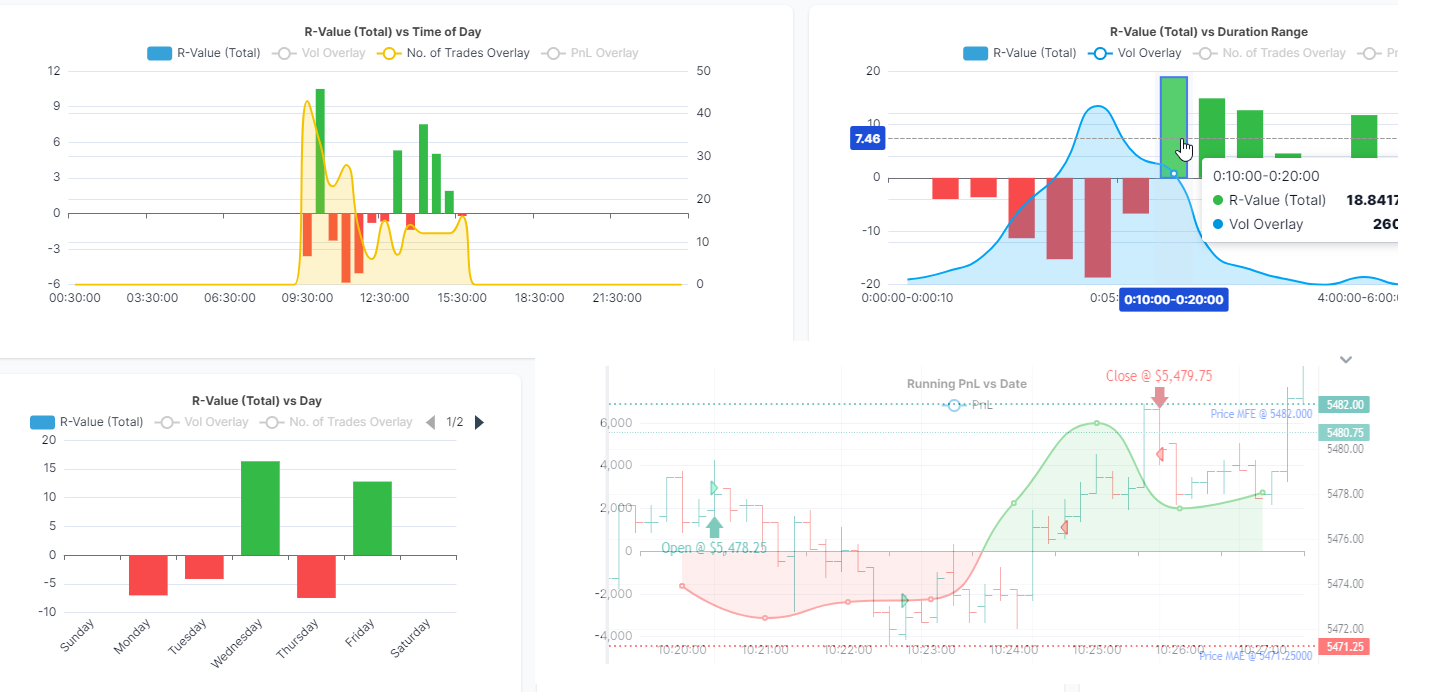
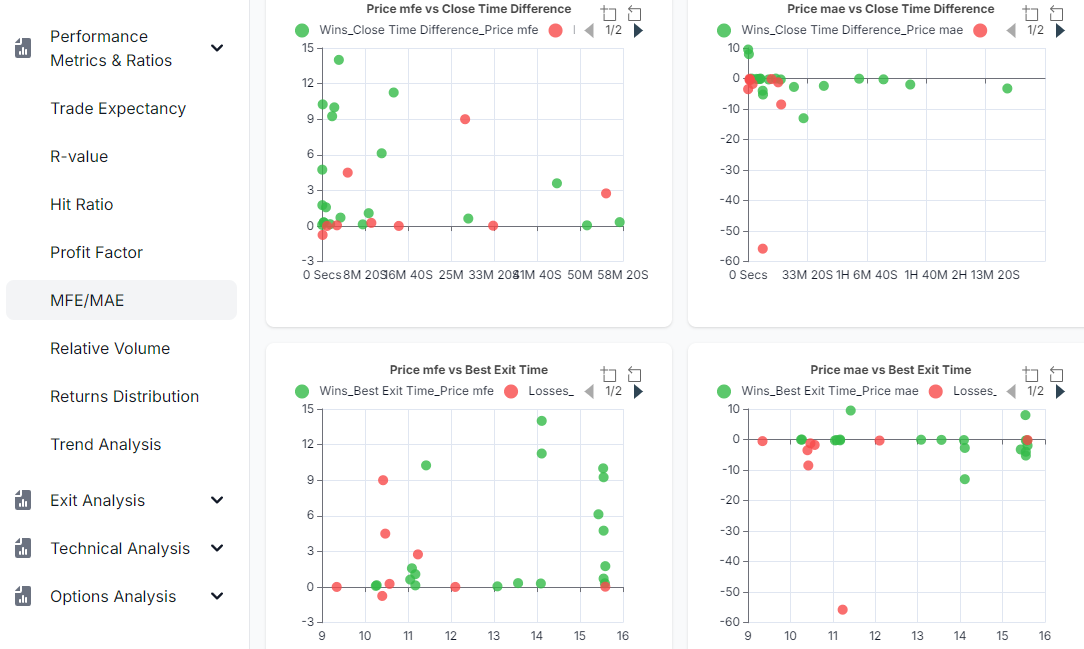
Do you trade well when there's a certain amount of volume/volatility? Time, date, time, etc., are not the only way to analyze. Learn more about how you can use the relative volume to optimize your trading.
TradesViz's biggest changelog to date! If you want to catch up on the biggest updates and improvements in the trading journaling and analytics world, this is it. Simulators, AI, v2.0 dashboard, Multi-timeframe exit, SO MUCH new features, and PLENTY of under-the-hood improvements!
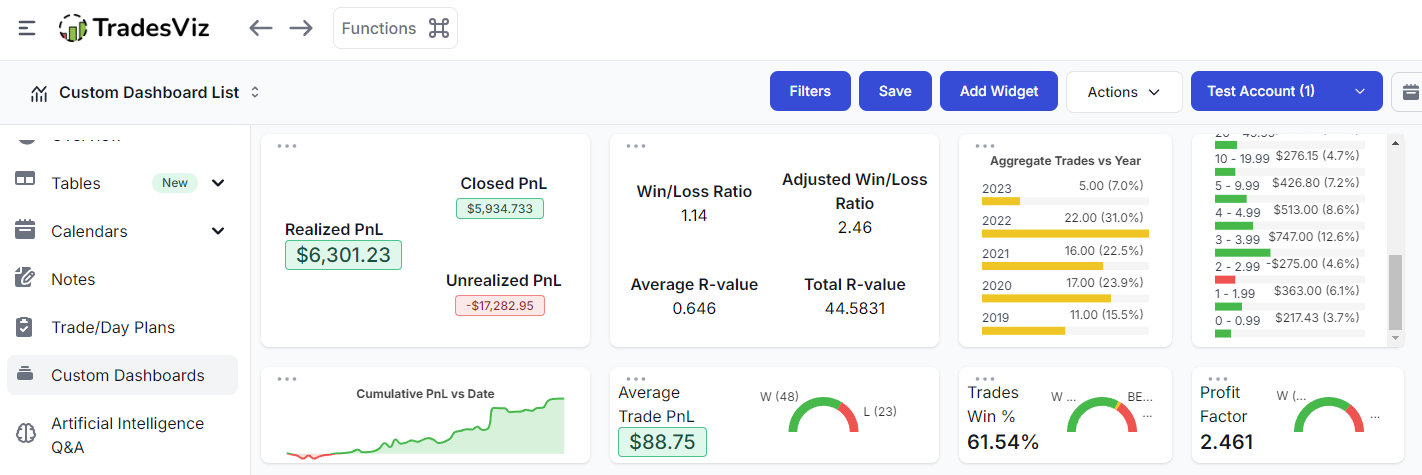
Build custom trade reports using charts and global filters. Save them and change your general dashboard to customized reports with specific filters! Combine this with custom dashboards and lock unlimited varieties of trading dashboard reports!
We've introduced the most advanced and versatile online reading simulator for US stocks, ETFs, futures, and all forex pairs. But what about the other symbols and exchanges? Well, you can now. NSE/BSE, AU, IN, Cryptocurrency - everything can be simulated. All-in-one stock, futures, forex, cryptocurrency, and index trading simulator for all supported exchanges: Exclusive only on TradesViz.
Note-taking is a huge present and importance in TradesViz - so much so that we have a dedicated notes tab. With this update, we're bringing another level of flexibility to note-taking where you can dynamically select/add/insert a note template when creating/editing a note.
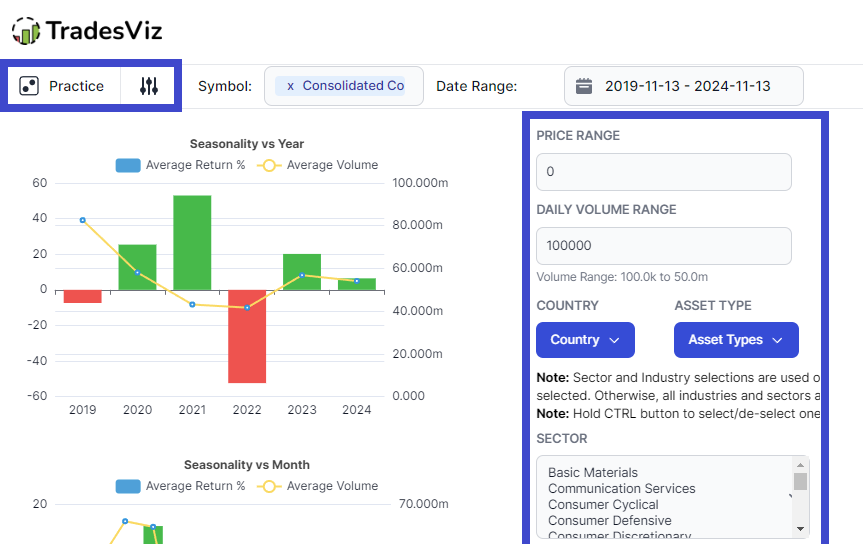
Seasonality data is a great way to understand the cycles of a stock over a period of time. But what if you could leverage this data to build portfolios of many tickers each balancing out the weaknesses of the other?... Read on to understand!
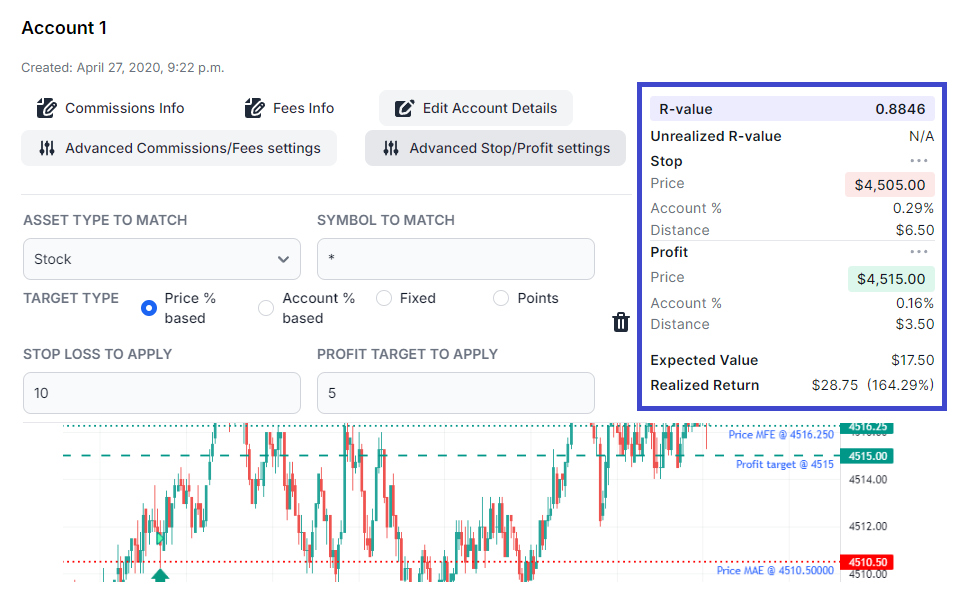
Does your broker not report any commissions/fees? Are you tired of entering stops/profits, commissions/fees to your trades? Fret not! TradesViz's advanced account settings can automate all of this for you!
We've automated a lot of parts of journaling - one part we've yet to explore is note-taking. We're solving that with this AI feature on TradesViz.
Adding, updating, and learning from notes is the cornerstone of journaling. TradesViz v2.0 brings a great deal of improvements to the dedicated notes tab on TradesViz - the only trading journal to have a dedicated suite of features for managing notes.
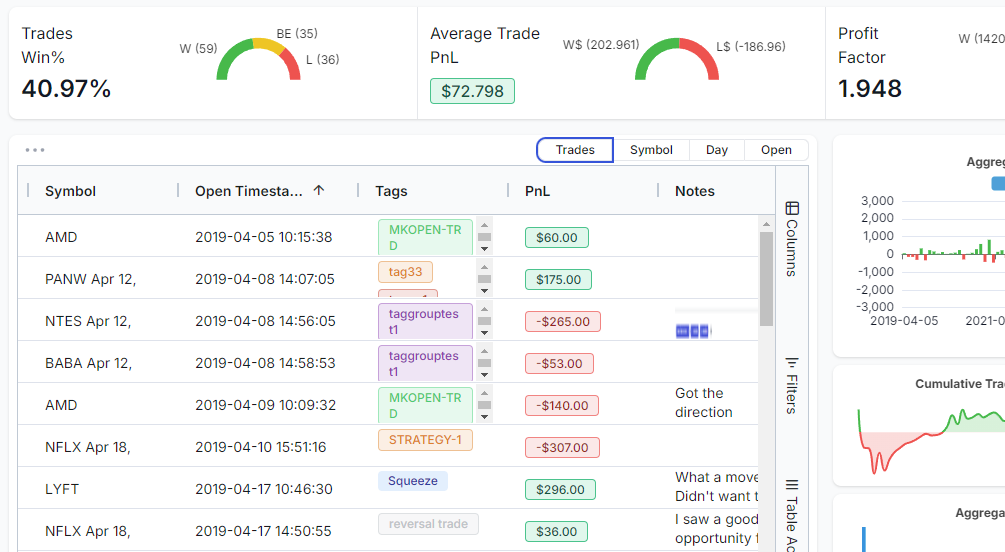
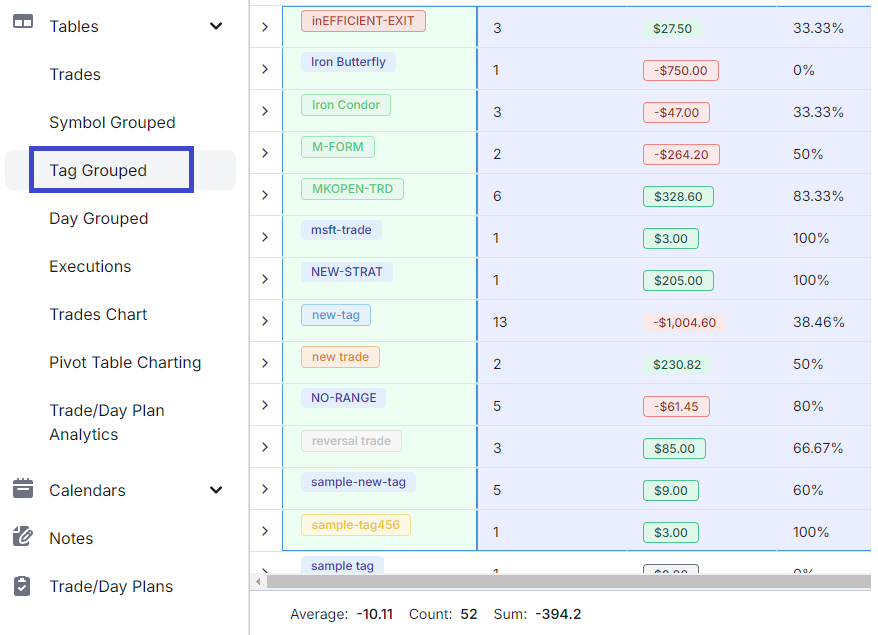
Add notes, tags, merge, share - a group of trades with a single click. Learn how to use the various grouping operations available in all the table views in TradesViz. [NEW] Updated with 2024 features and tips based on TradesViz v2.0 UI!
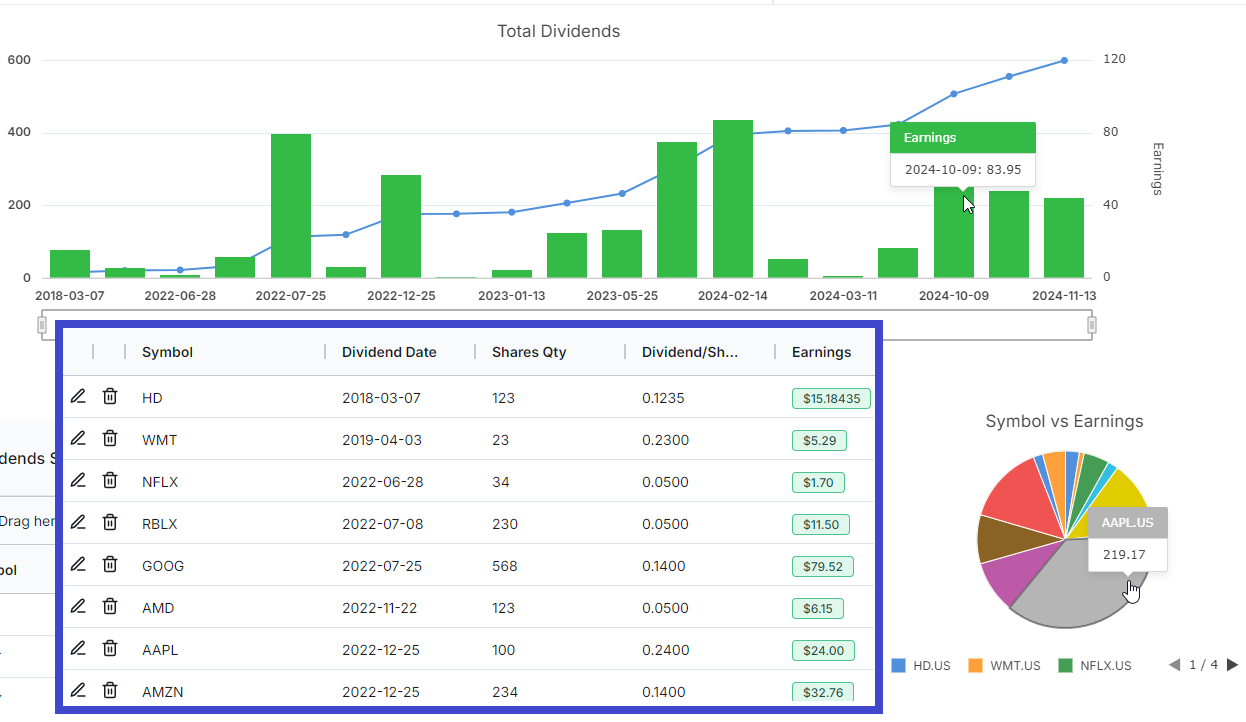
Monitor your entire account value with deposits and withdrawals tracking within TradesViz! [NEW] Updated with 2024 features and tips based on TradesViz v2.0 UI!
We have 50 detailed guides for connecting your broker and importing trades.
View all integrations & import guides