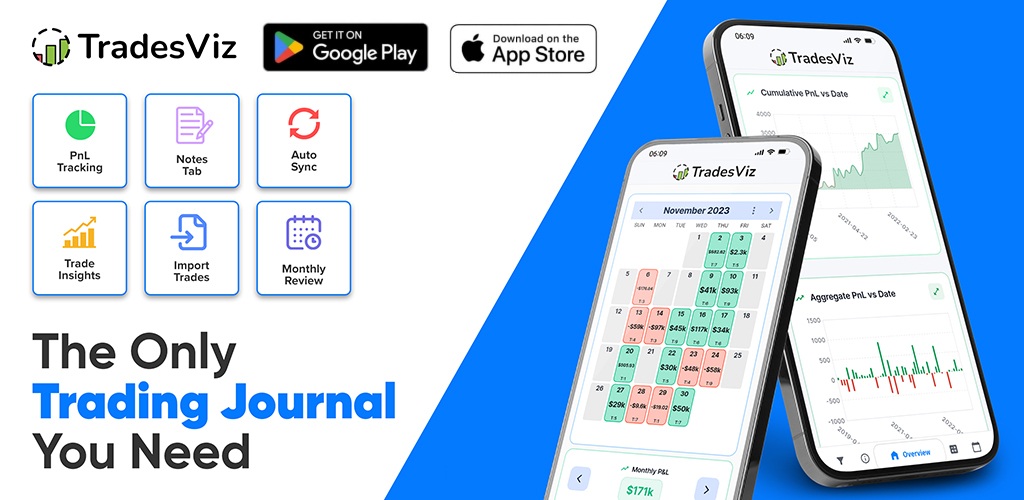
TradesViz v2.0 Android and iOS mobile app update!
A complete revamp of the TradesViz mobile app with new features, faster UI, and more!
Guides, changelogs, deep dives and everything trade journaling.
A complete revamp of the TradesViz mobile app with new features, faster UI, and more!
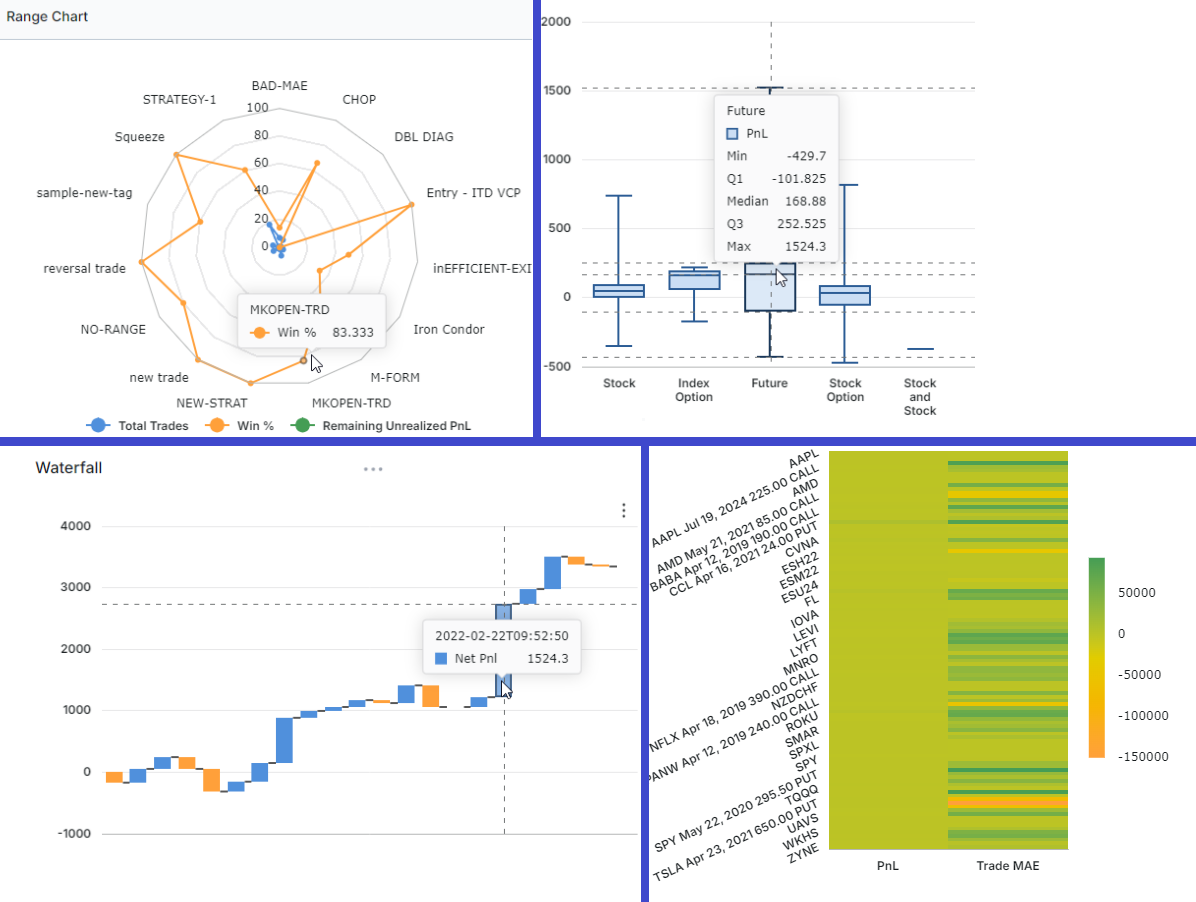
We've had a lot of new types of analysis created from the grids and charts of TradesViz over the years. We just launched an update to the no. of chart types you can make - this greatly improves the utility of pivot grids and the AI widgets! This new list includes box plots, treemaps, waterfall charts, range bars, and more!
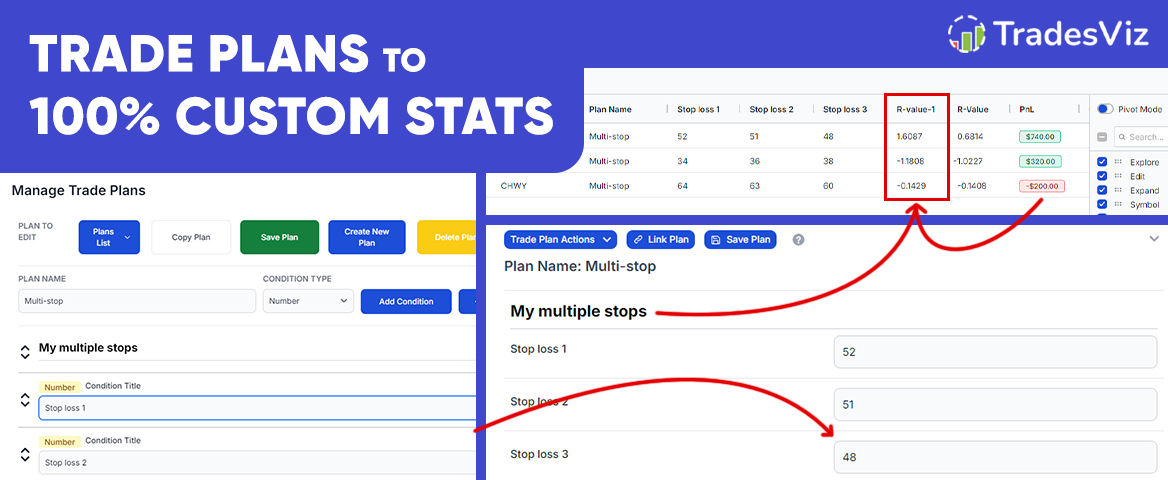
Learn how to generate custom stats, and use those custom stats to calculate and create calculated custom stats - the first time in an online trading journal! All of this is possible within TradesViz with pivot grids' new improvements related to custom columns and trade plans!
Just imported your trades and not sure why the numbers are not matching? Read on to understand more about why this happens, what data your brokers provide, and how to get a better match!
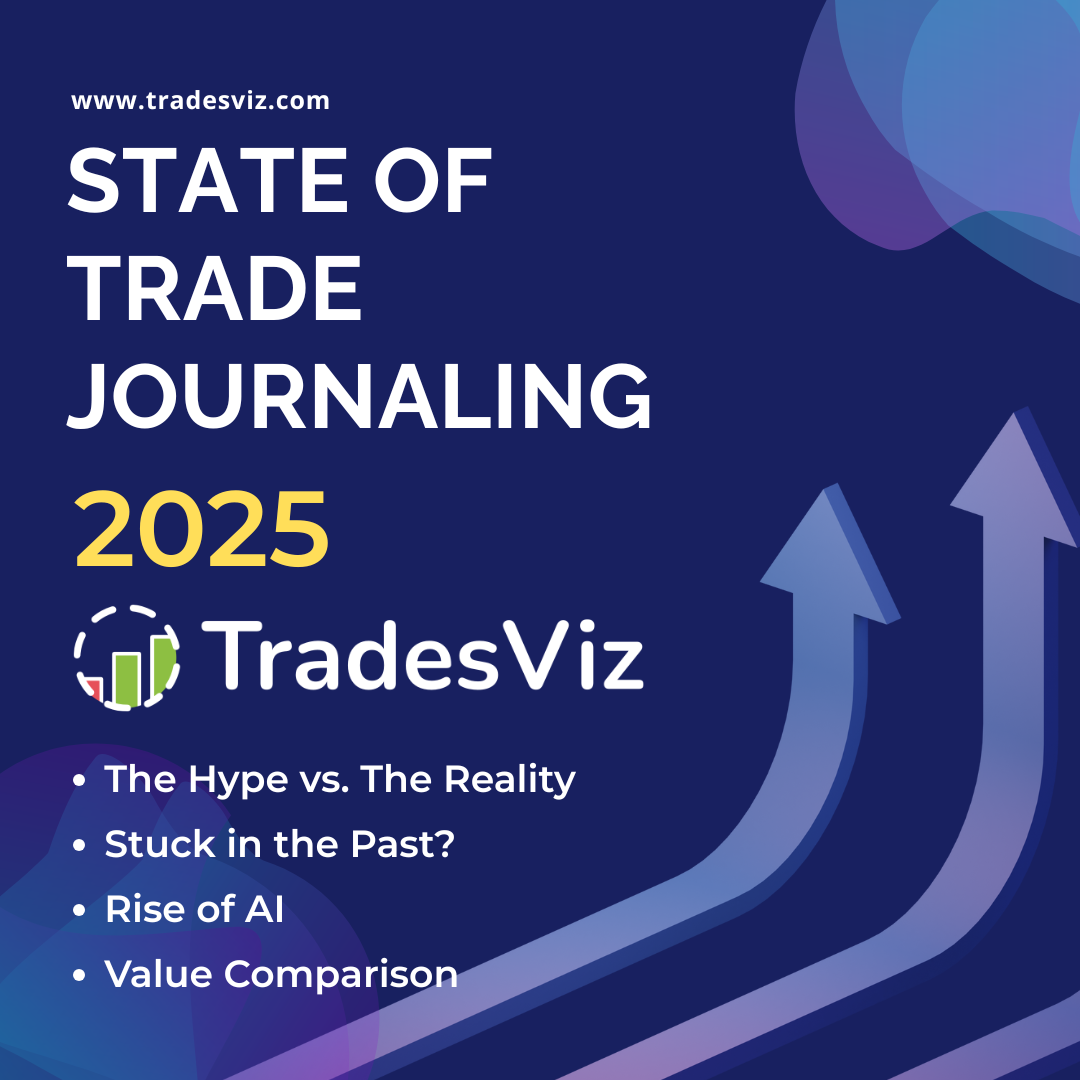
Our 3rd edition of the current market's survey of trading journaling, analytics, and everything users are looking for. This is as comprehensive as it can get when it comes to seeing what traders are looking for and what you, too, should look for when it comes to trading journals and trading tools in general.
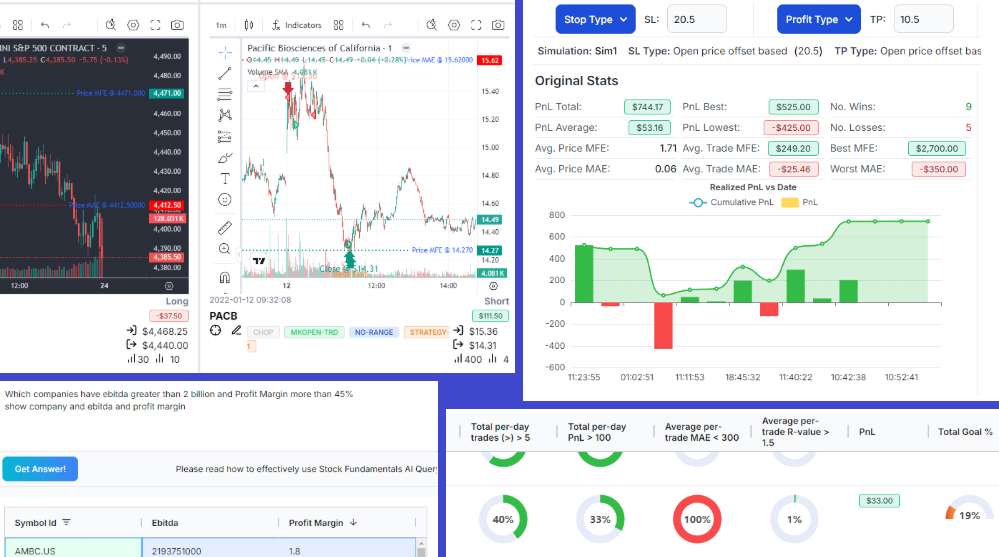
Another 7 months of non-stop updates, refinements, and one-of-a-kind features. Goals tracking, risk simulator, new auto-sync features, and a lot more are among the changes in this changelog! Our focus is 100% on providing you with the highest value possible. Read on to learn more about our updates and upcoming features!
![[Updated] Chart View in TradesViz v2.0: Fastest way to review trades visually](/media/blog/chart_trades_view_new/chart_trades_view.png)
Revisiting the original chart trades view feature introduced in 2022, updated with many features and enhancements over time. This still remains the fastest way to review your trades with charts in any online trading journal.
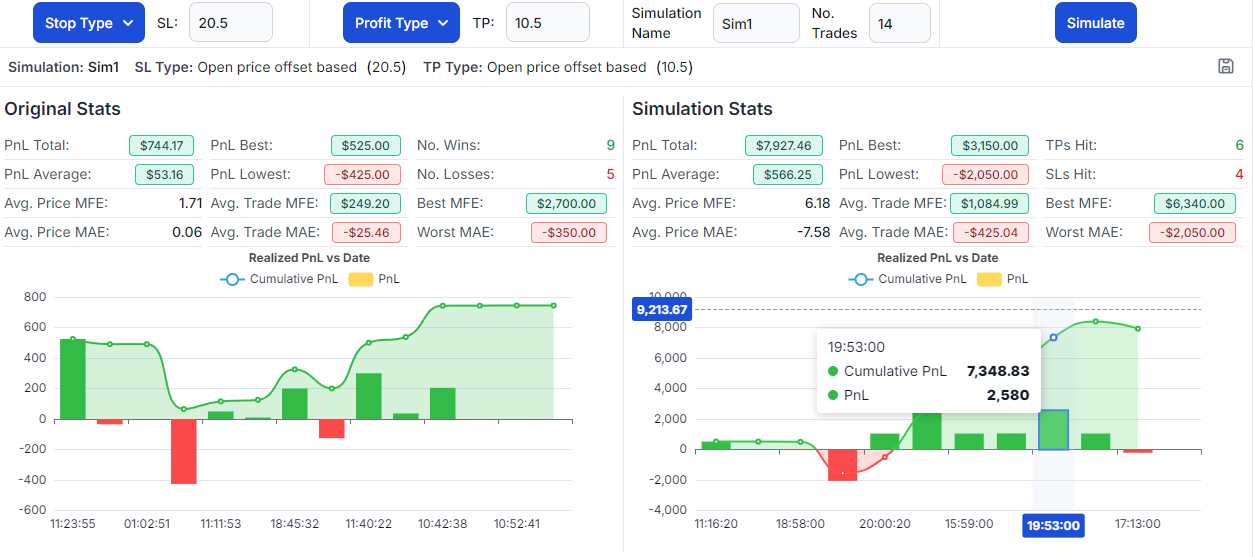
Ever wonder how much you could have gained if you had changed your profit target? How much loss could you have mitigated if you had kept your stops tighter? Don't just think about it - experiment and see the stats with TradesViz's new target simulator!
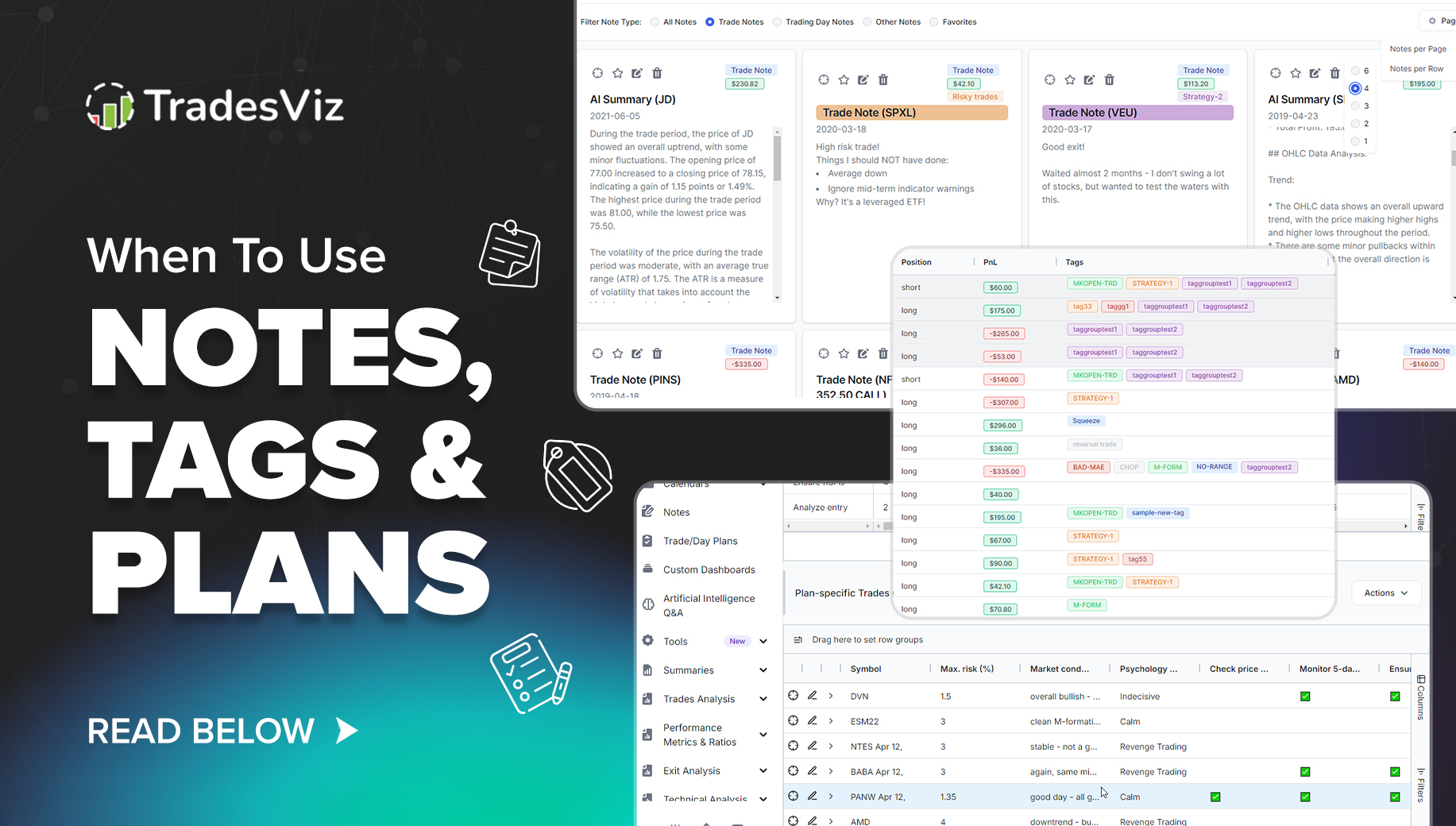
When journaling, numbers and quantitative analysis are just half of the solution. The remaining insights come from your notes, tags (analytics based on this), and trade/day plans. But what to use when? What matters to you? Read on to learn when to use notes, tags, and trade/day plans in TradesViz.
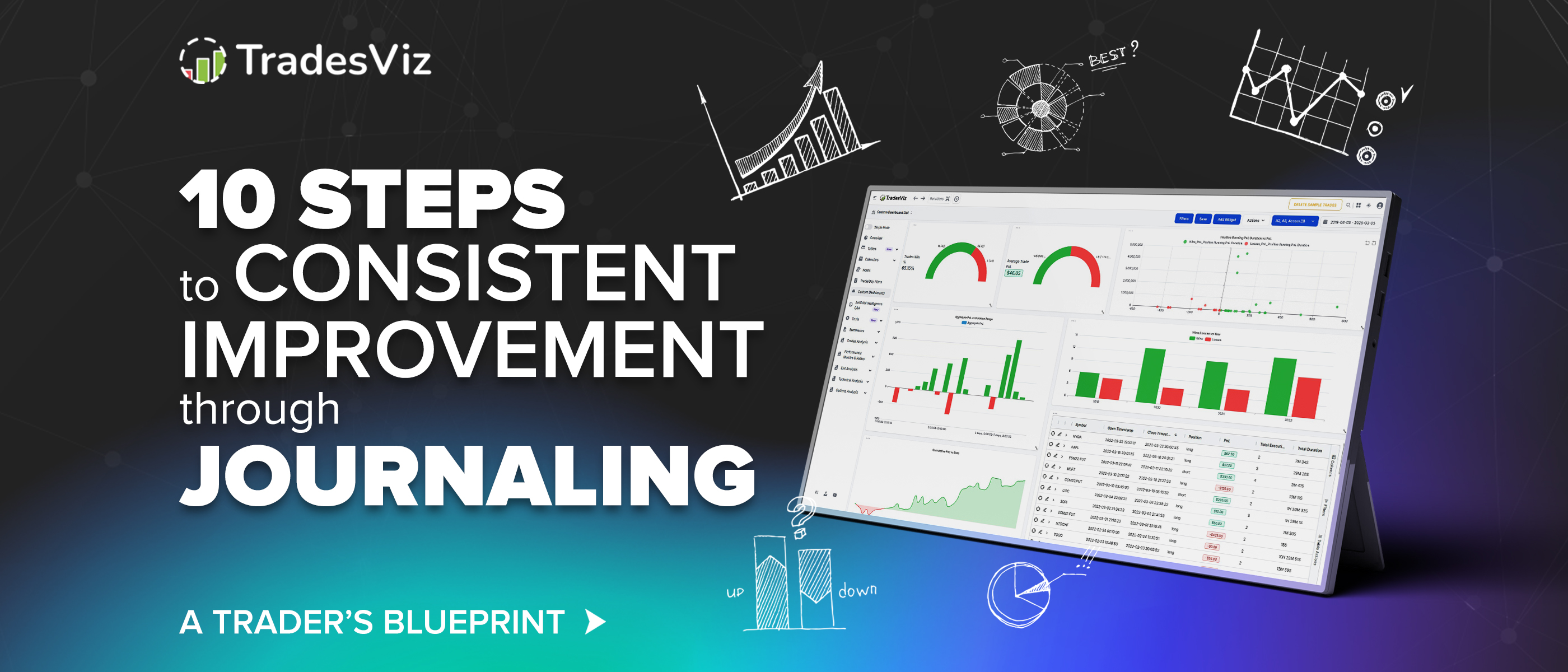
Tired of not knowing where to start with trade journaling? this blog post should answer everything you need to know.
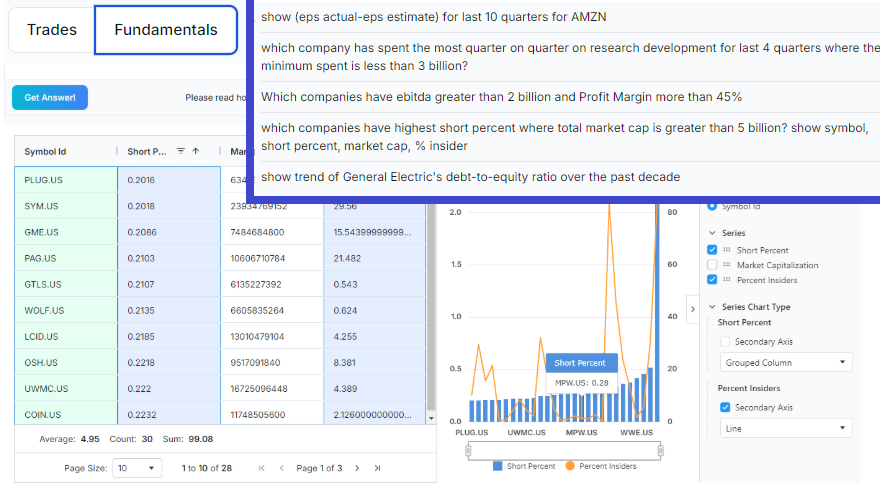
Explore tens of thousands of stocks from supported exchanges/countries using AI right here on TradesViz. Just like our AI Q&A, you can now query stock fundamentals using our new AI agent.
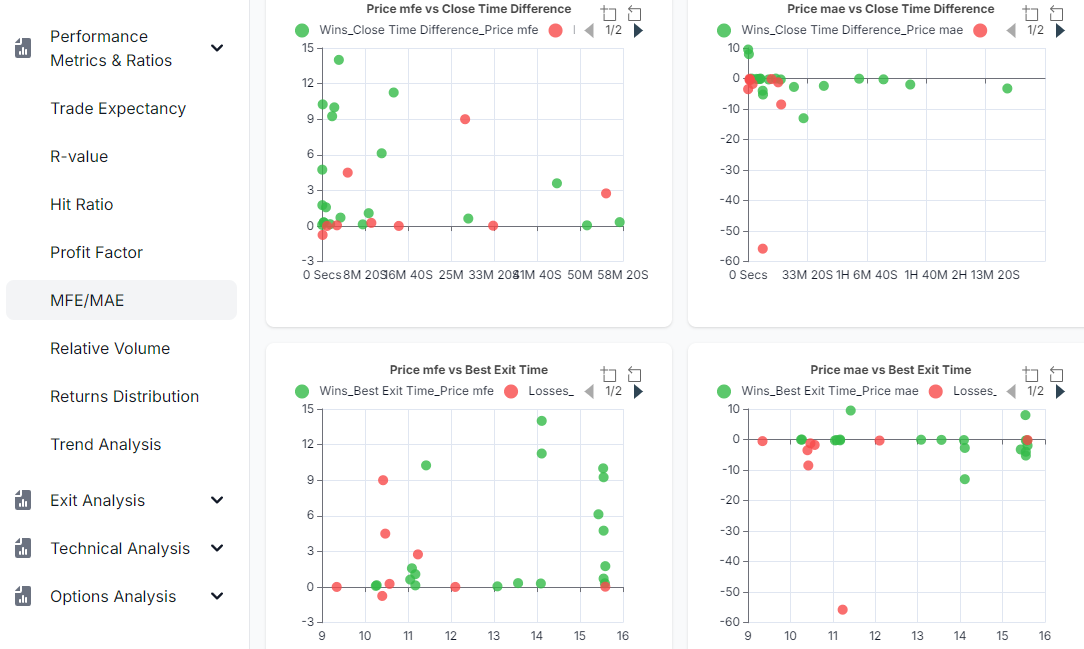
Usage of MAE/MAE has exponentially risen in the last year. What more can we extract from this crucial data? In this blog post, we explore the distance factor from MFE/MAE to open, close, and best exit.
We have 63 detailed guides for connecting your broker and importing trades.
View all integrations & import guides