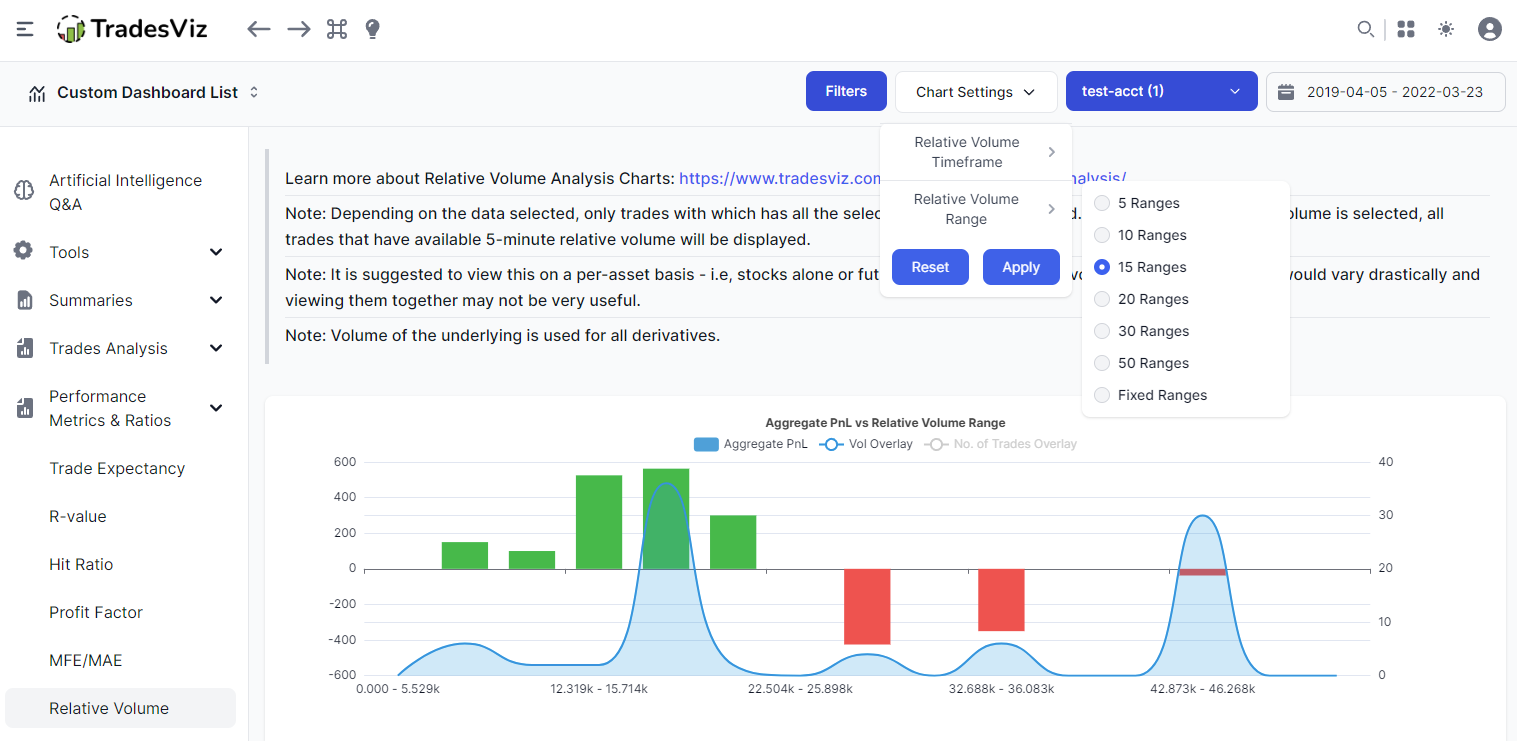
New charts: Relative Volume Statistics
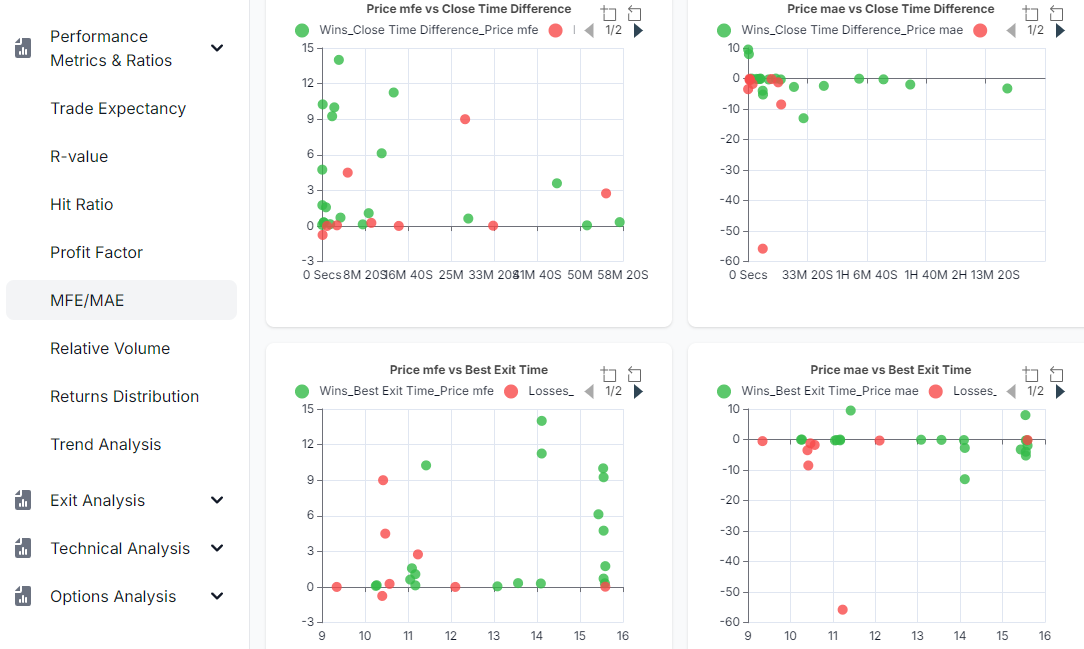
Do you trade well when there's a certain amount of volume/volatility? Time, date, time, etc., are not the only way to analyze. Learn more about how you can use the relative volume to optimize your trading.
Guides, changelogs, deep dives and everything trade journaling.
Do you trade well when there's a certain amount of volume/volatility? Time, date, time, etc., are not the only way to analyze. Learn more about how you can use the relative volume to optimize your trading.
This is an all-in-one guide to get you up to speed on how to journal, analyze and manage your trades on TradesViz. Go from zero to trade journaling expert in under 1 hour.
Introducing TradesViz v2.0. The entire dashboard is completely redesigned with state-of-the-art charts and tables to make journaling smooth and seamless for users of all experience levels and on all devices!
Learn all about how to effectively use trading day and trade plans to track your mistakes, and strategies and see how well you have performed with highly detailed and flexible pivot grid analytics.
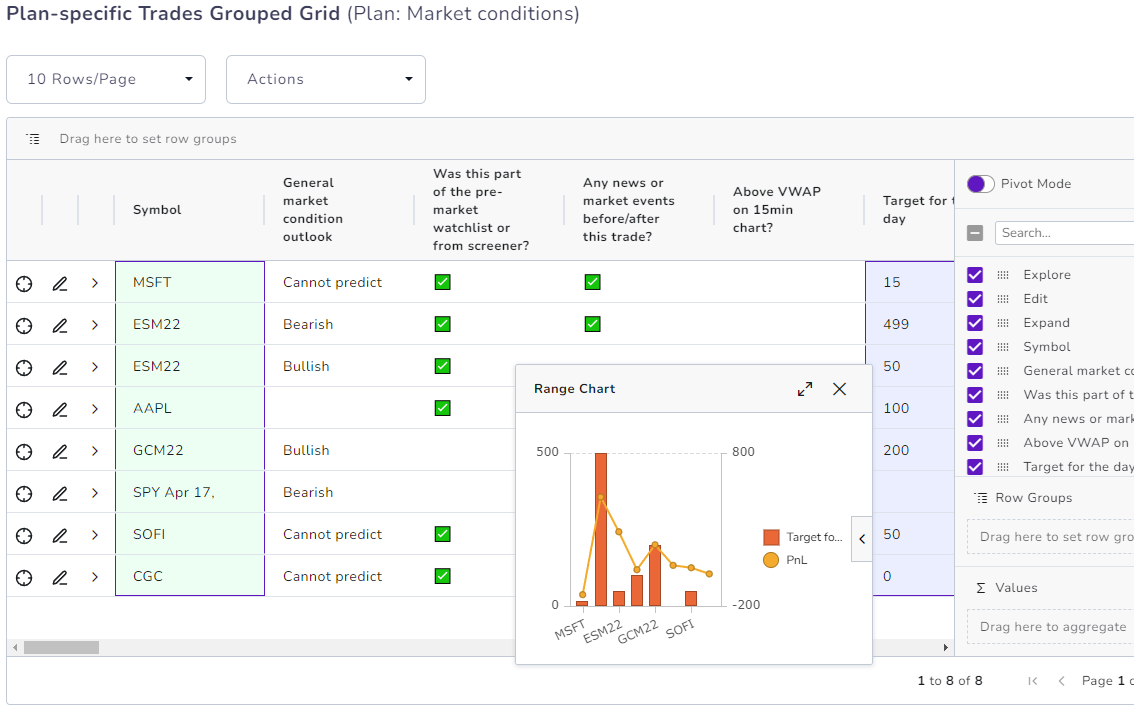
Create fully custom statistics/metrics (via plans) and attach them to your trades, and trading days and you can now analyze all of those features with our advanced pivot grid and get even more personalized trading insights.
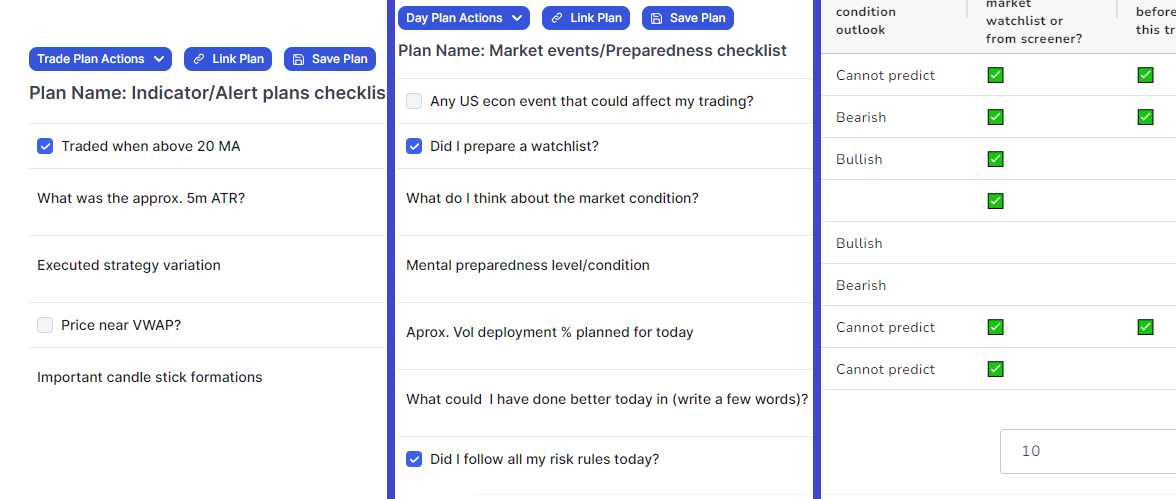
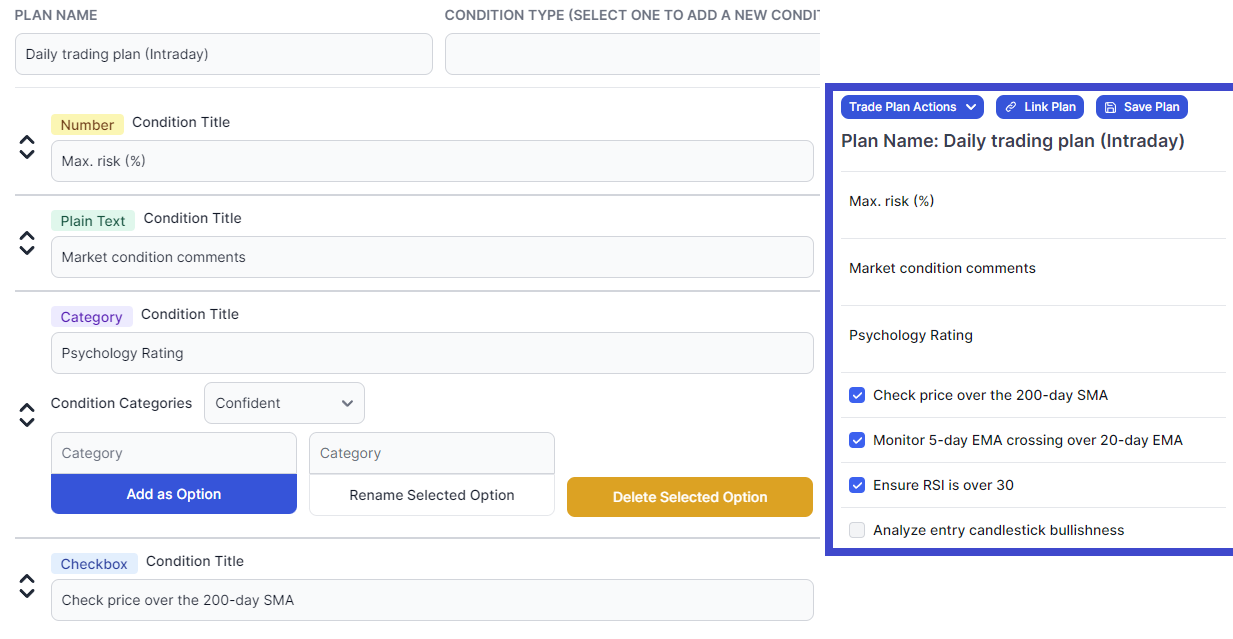
Learn how to create custom plans and checklists you can attach to any trade or even trading day. All of these stats can be analyzed in full detailed - 100% flexibility in creating your own custom stats and plans for the trade/day!
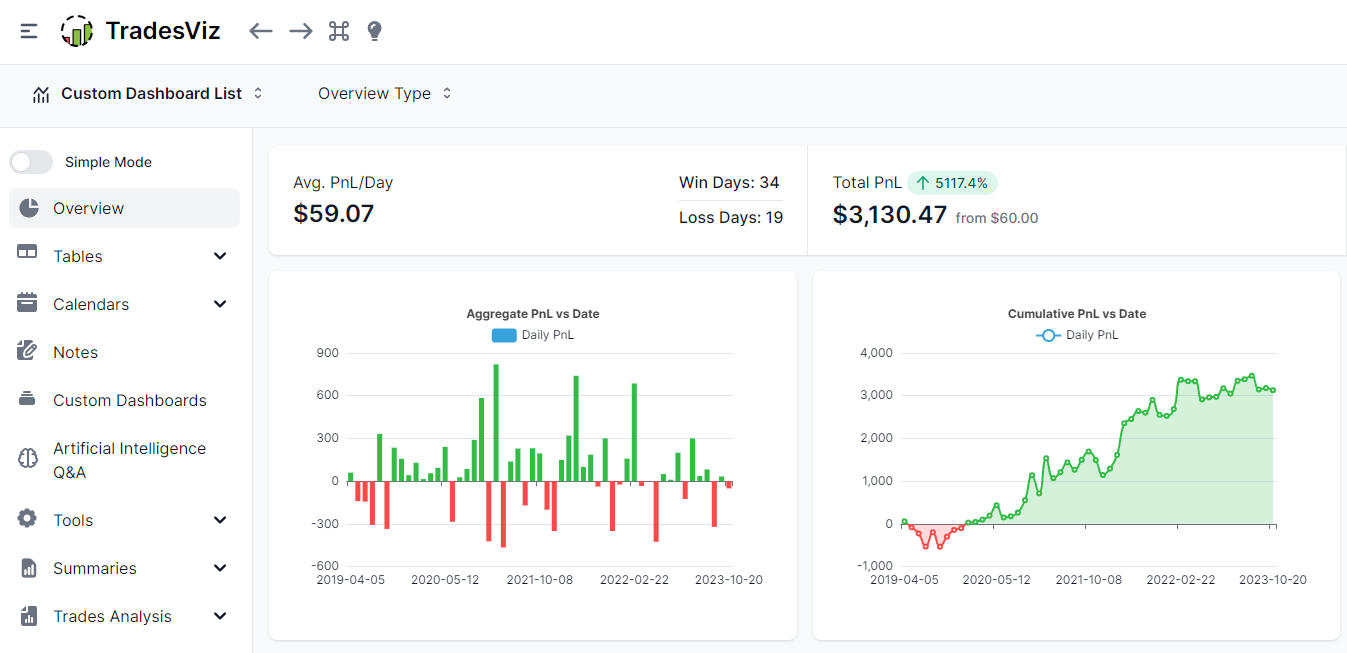
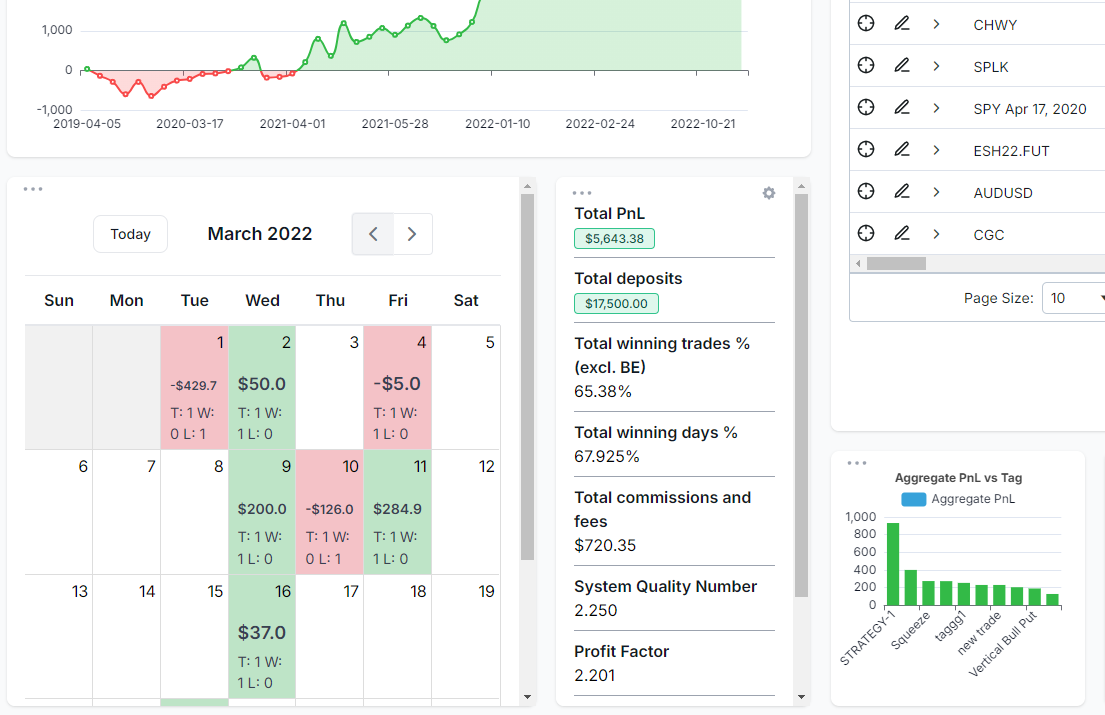
Two new widgets that complete the TradesViz dashboard: Calendar & stats list. You can now essentially build a custom dashboard and have literally EVERY single piece of info on the same page!
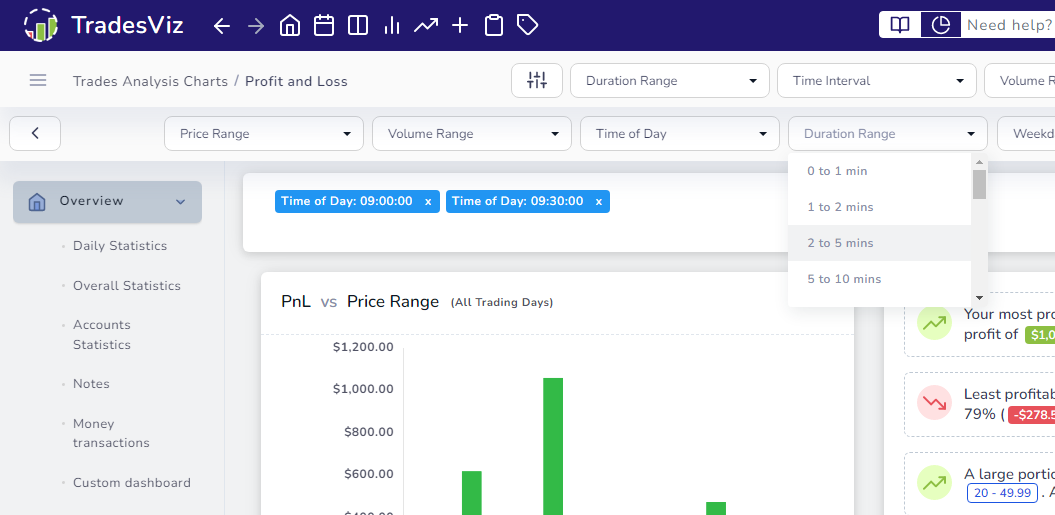
Over 20 unique filters are now accessible from your dashboard without any extra clicks! 10, 10k, or even 100k trades? Not a problem!