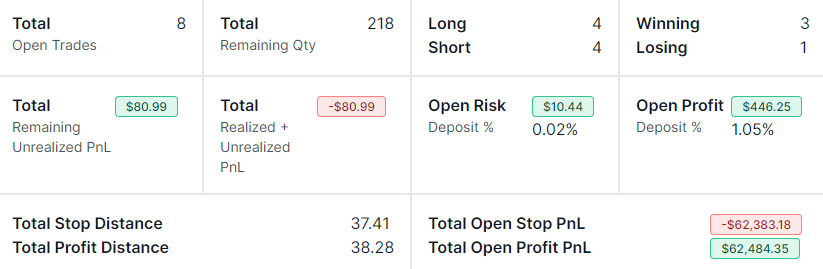
Open Trades Summary: Open Position Tracker for Swing Traders
The open position tracker for swing traders: unrealized PnL, worst-case risk, alerts for stops & expiring options, and portfolio exposure - in one tab.
Guides, changelogs, deep dives and everything trade journaling.
The open position tracker for swing traders: unrealized PnL, worst-case risk, alerts for stops & expiring options, and portfolio exposure - in one tab.
Bring your TradingView indicators to TradesViz! Our new feature lets you paste Pine Script code and run custom indicators directly on your charts. Supports common TA functions, inputs, and plot types - perfect for RSI, moving averages, SuperTrend, and similar indicators.
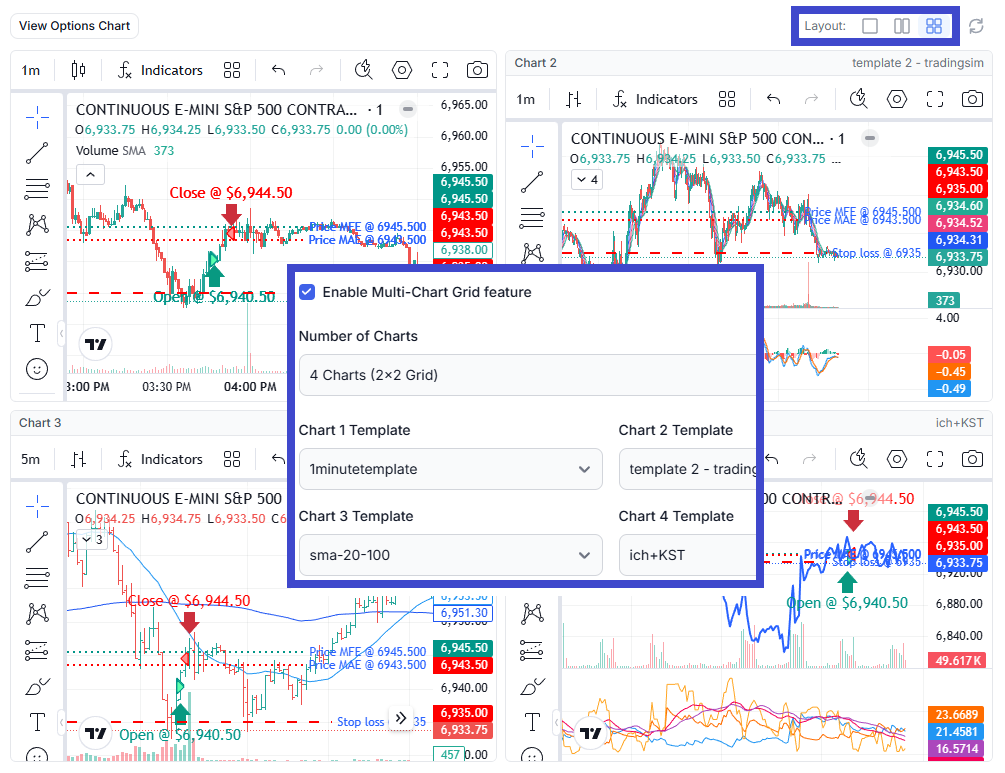
Introducing Multi-Chart Grid Layout for Trade Explore - a powerful new Platinum feature that lets you display up to 4 TradingView charts simultaneously, each with its own unique indicator template. Analyze your trades from multiple timeframes and indicator perspectives at once, without switching between chart configurations. Perfect for multi-timeframe analysis, strategy validation, and accelerating your trade review workflow.
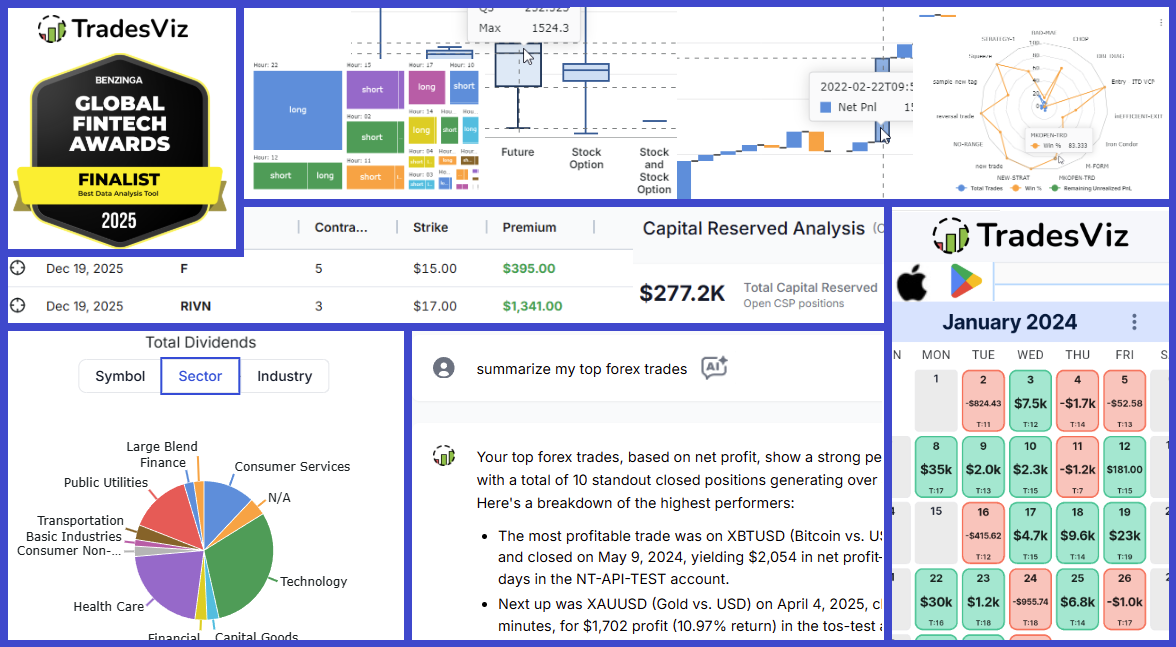
H2 2025 brought massive upgrades: The launch of the Options Command Center, AI Trade Chat, and a completely rebuilt Mobile App v2. Read the full recap of our Benzinga FinTech Award nomination, running PnL for spreads, and six months of rapid innovation.
Another 7 months of non-stop updates, refinements, and one-of-a-kind features. Goals tracking, risk simulator, new auto-sync features, and a lot more are among the changes in this changelog! Our focus is 100% on providing you with the highest value possible. Read on to learn more about our updates and upcoming features!
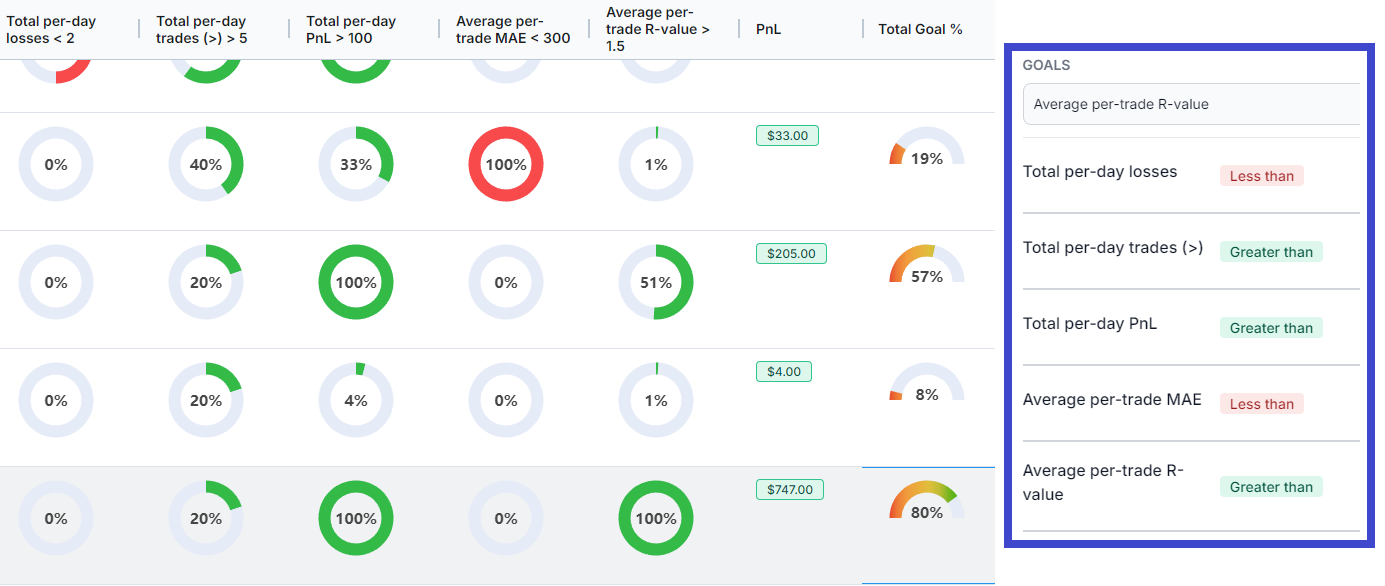
Do you want yet another reason to journal? Track your performance daily not using numbers but visually using gauges - for the parameters you set. Custom automated goals tracking for the first time in any online trading journal.
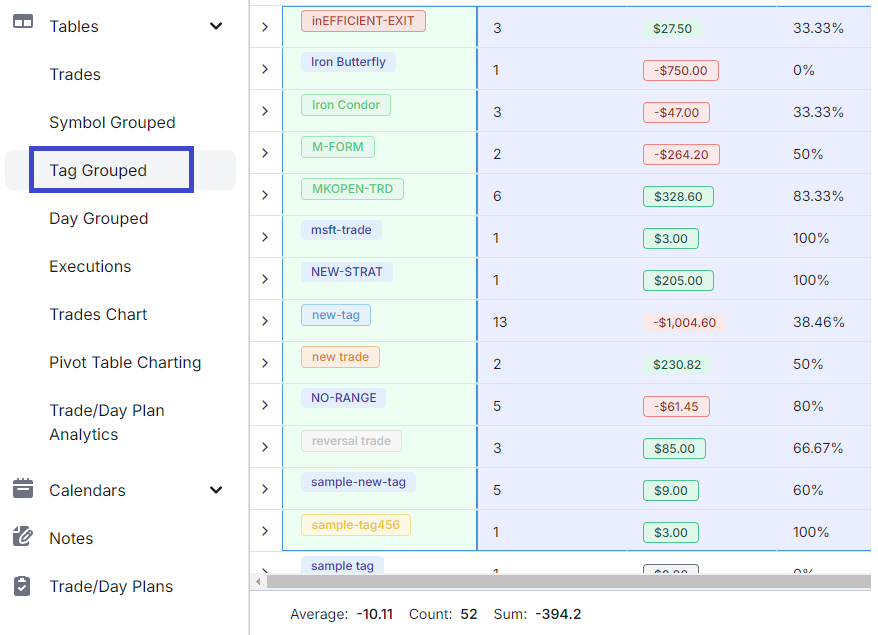
The 5th main table in TradesViz: Tags table! You can now quickly view summaries based on tags and generate charts/export data and more with the tags table.
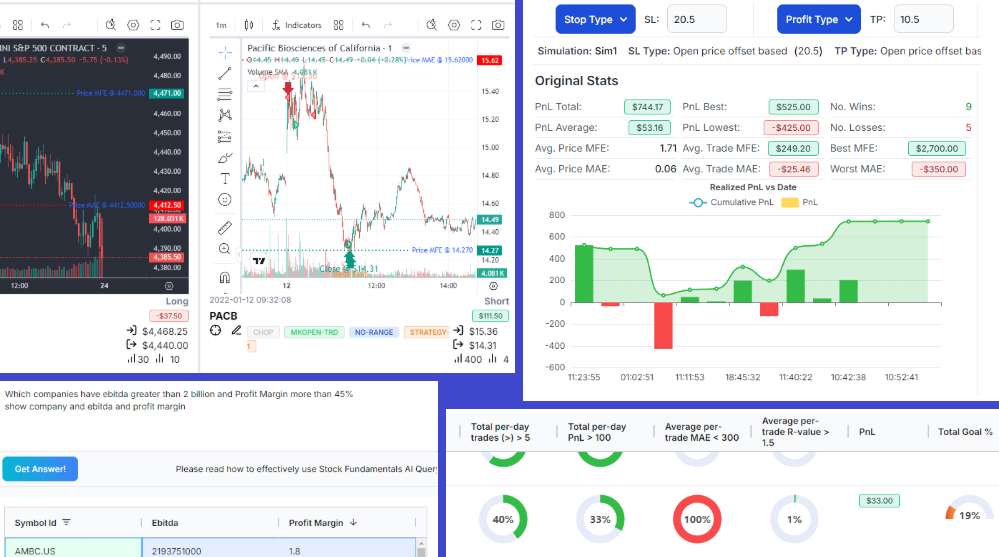
View all your trades for a symbol in one single chart - just like in your trading platform! Learn how to set the chart to your liking, add indicators, and more! Update Aug 2024: Now with the ability to save your drawings!
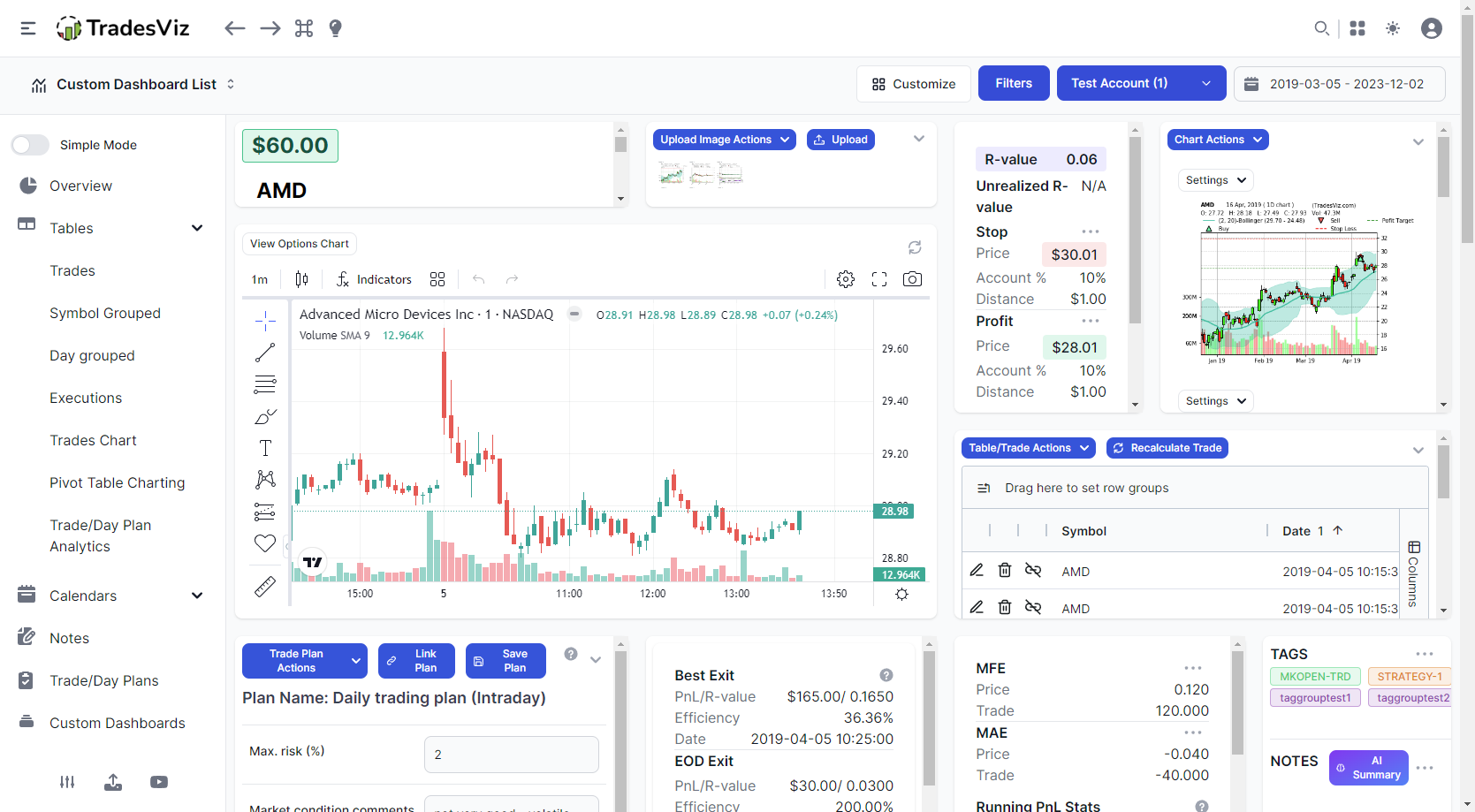
We made it possible to have custom dashboards and now it's time to customize the most commonly used tabs on TradesViz: Trade and Day explore tabs! If you like custom dashboards, you will love this feature!
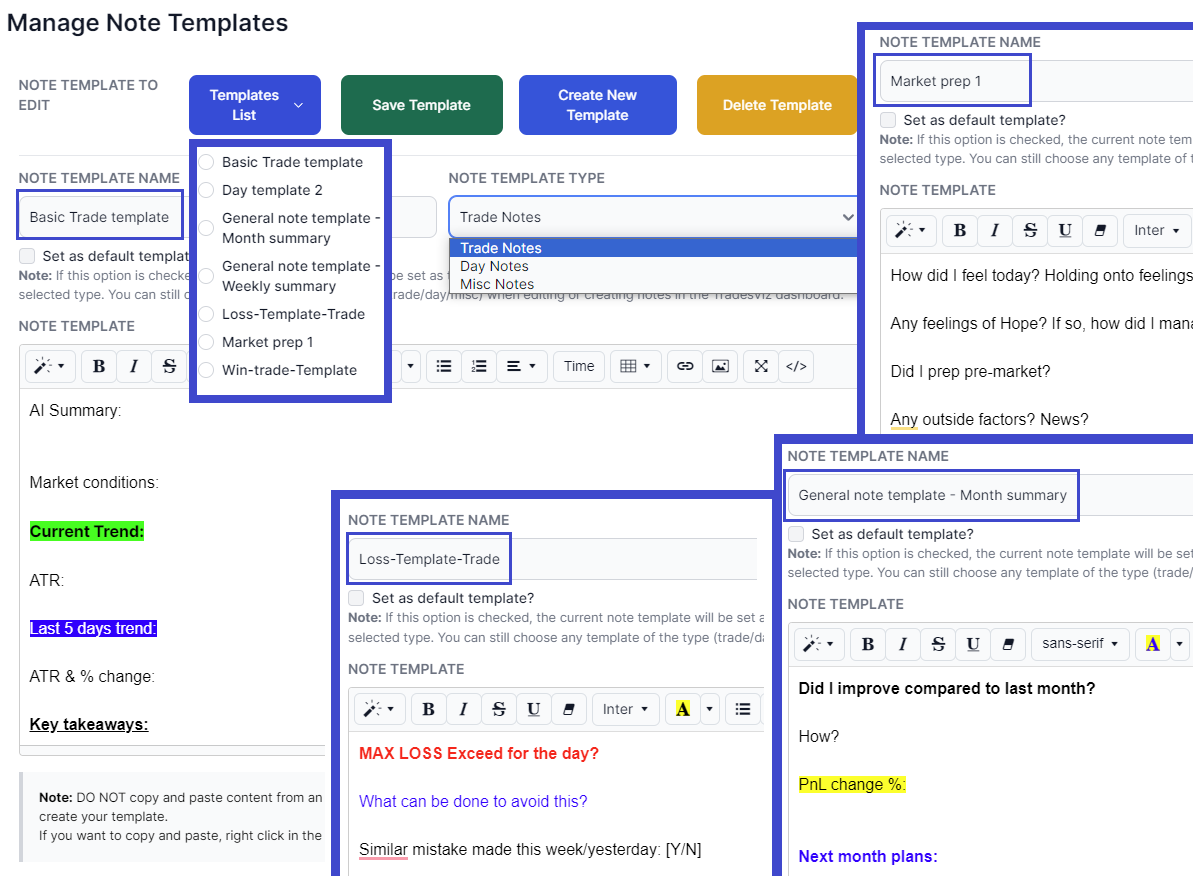
Note-taking is a huge present and importance in TradesViz - so much so that we have a dedicated notes tab. With this update, we're bringing another level of flexibility to note-taking where you can dynamically select/add/insert a note template when creating/editing a note.
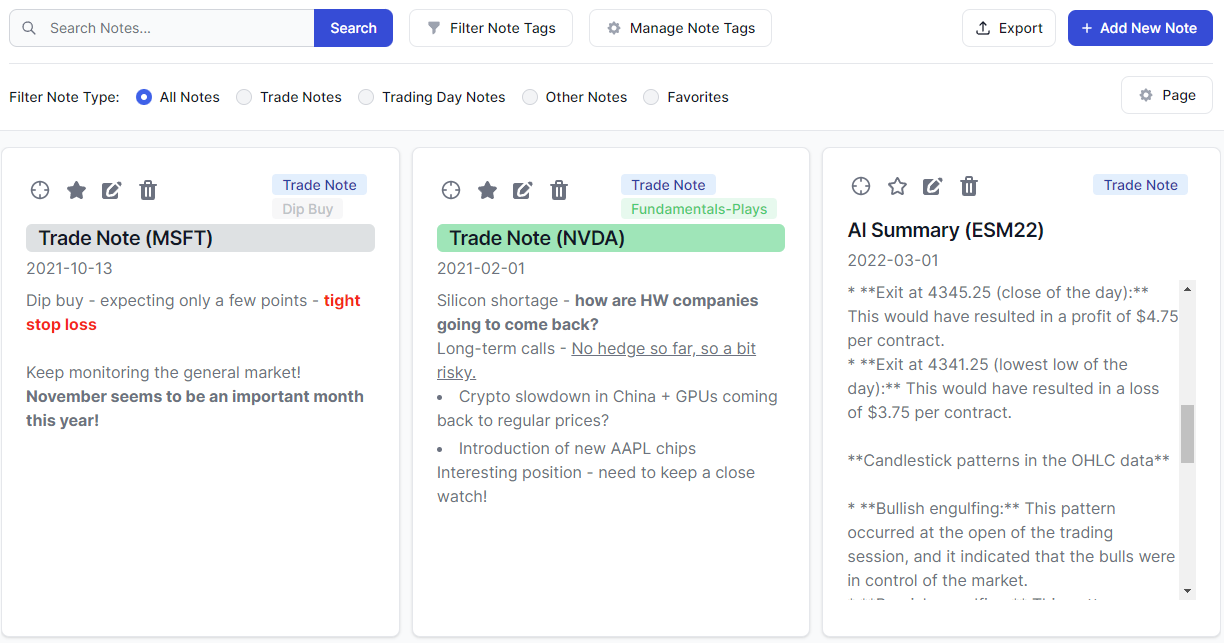
Adding, updating, and learning from notes is the cornerstone of journaling. TradesViz v2.0 brings a great deal of improvements to the dedicated notes tab on TradesViz - the only trading journal to have a dedicated suite of features for managing notes.
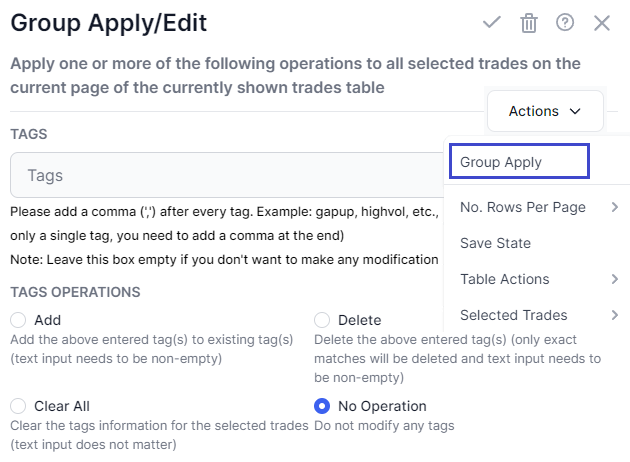
Add notes, tags, merge, share - a group of trades with a single click. Learn how to use the various grouping operations available in all the table views in TradesViz. [NEW] Updated with 2024 features and tips based on TradesViz v2.0 UI!