Journal from your discord server: Connect your Discord account to TradesViz
We know everyone is on Discord these days so we created something special for you: You can now add trades to your journal right from the comfort of your discord servers!
Guides, changelogs, deep dives and everything trade journaling.
We know everyone is on Discord these days so we created something special for you: You can now add trades to your journal right from the comfort of your discord servers!
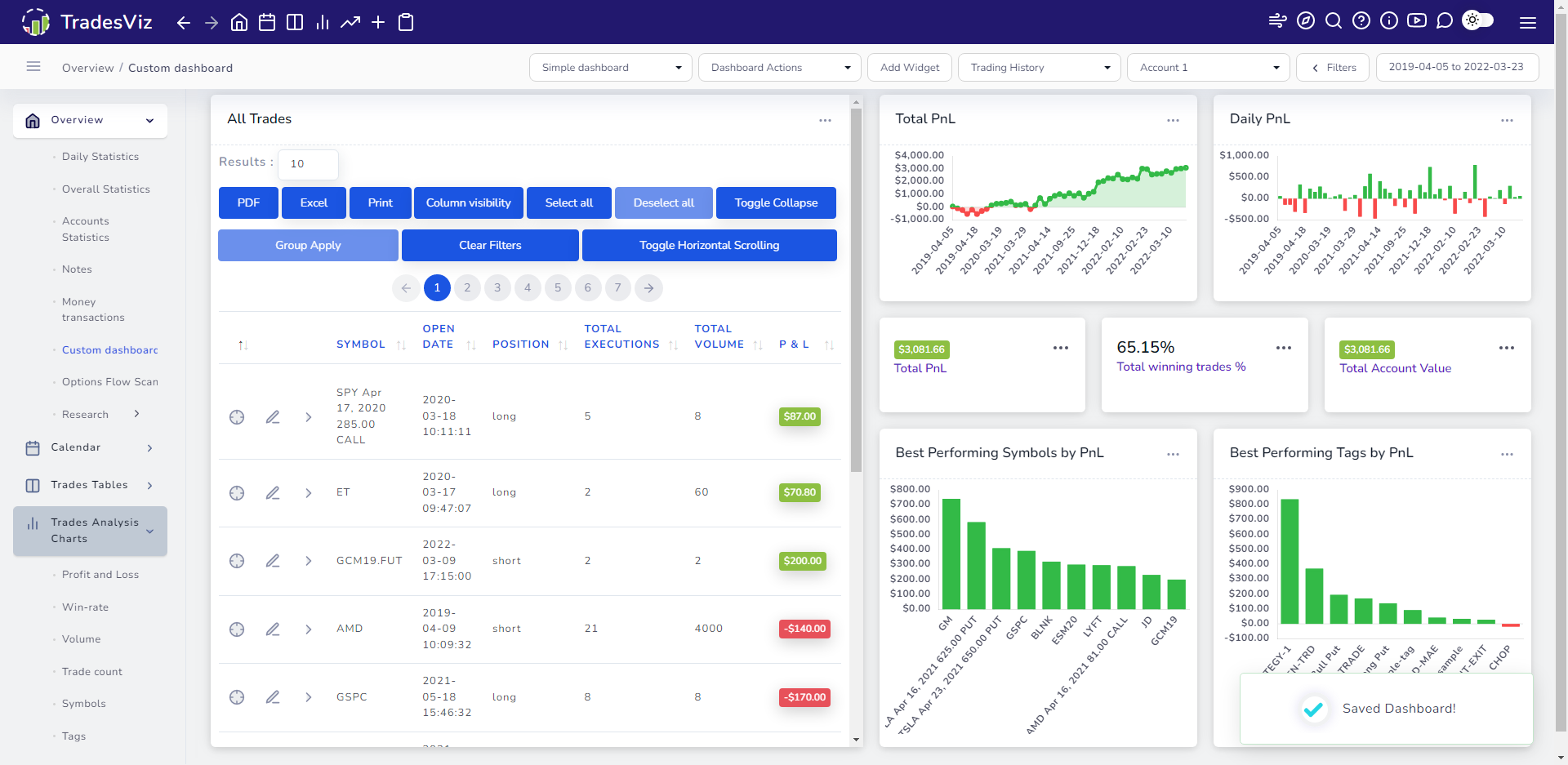
Overwhelmed by the features of TradesViz? Do you think it's too much for you? Read this post and learn more on how you can get max value out of your account all while keeping things super simple!
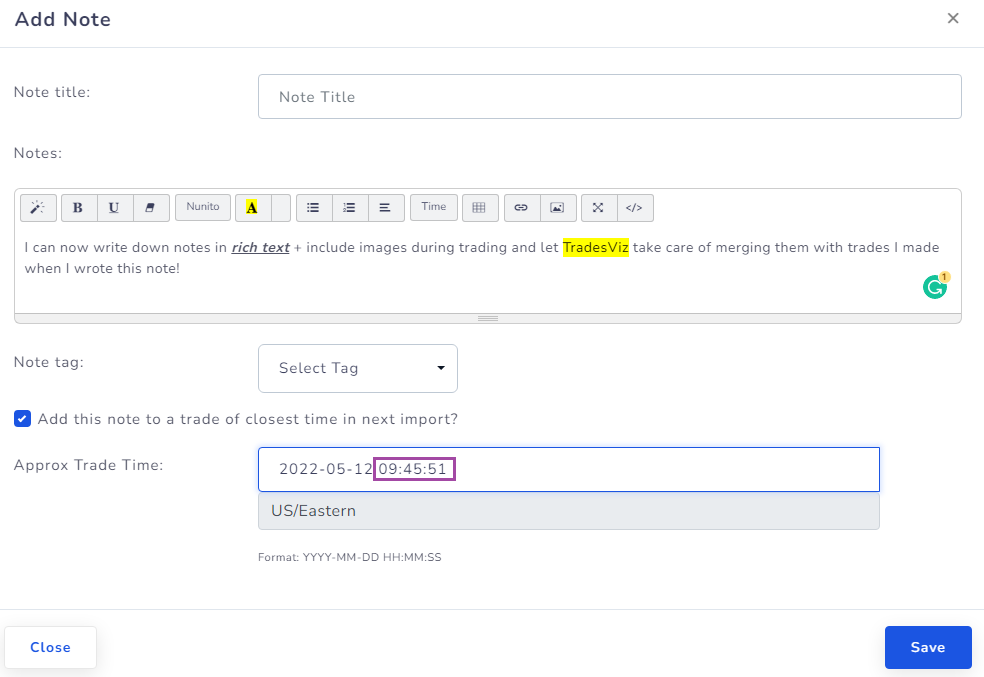
Do you want to take down notes during trading and not just after trading? We now have a solution for you: Write notes on TradesViz during your trading and then import your trades when you are done trading. TradesViz will automatically merge the note with the trade based on time.
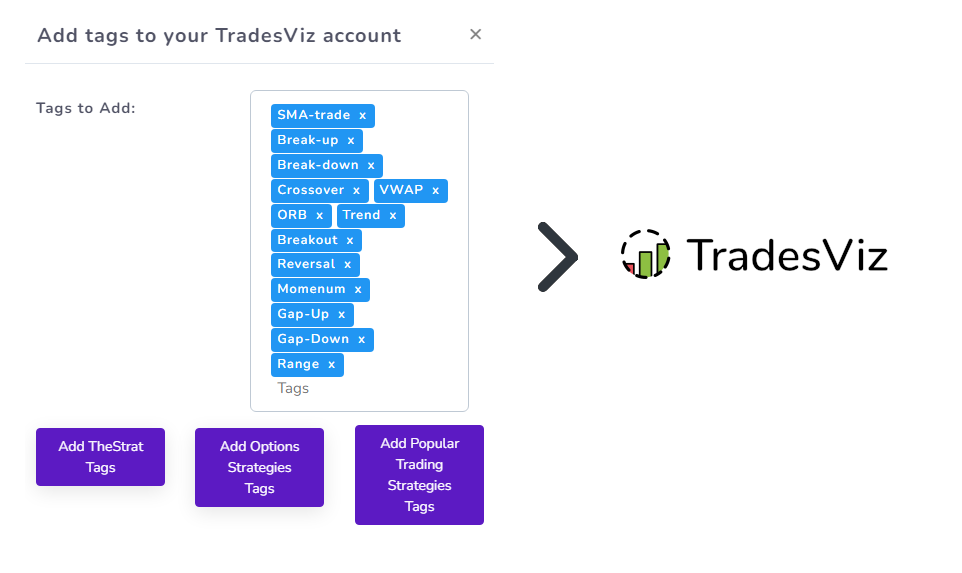
Learn how to add a lot of tags to your account at once so that you can easily tag your trades as per your strategies!
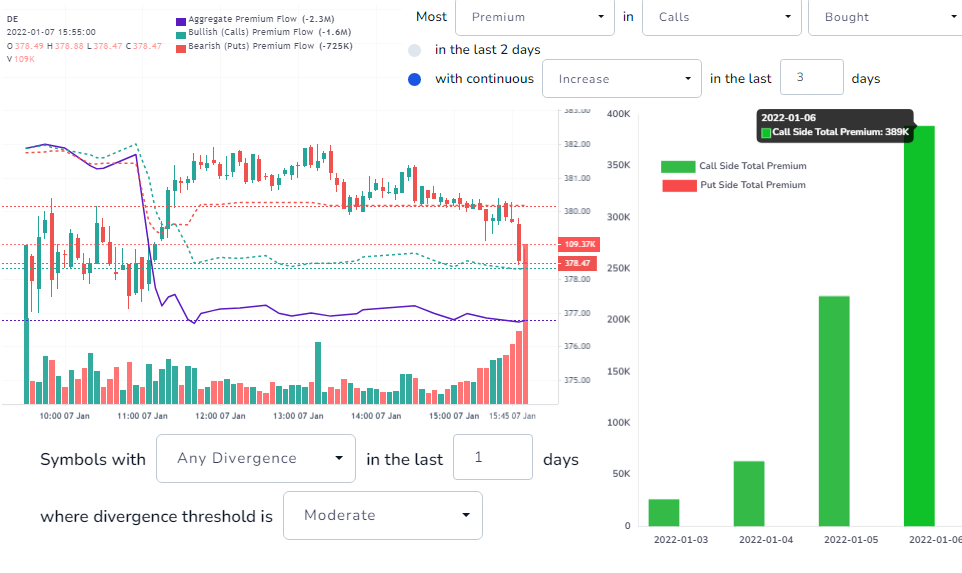
Learn how to use the new options flow scanner to find the stocks with the biggest premium moves in recent history, largest divergences, and more!
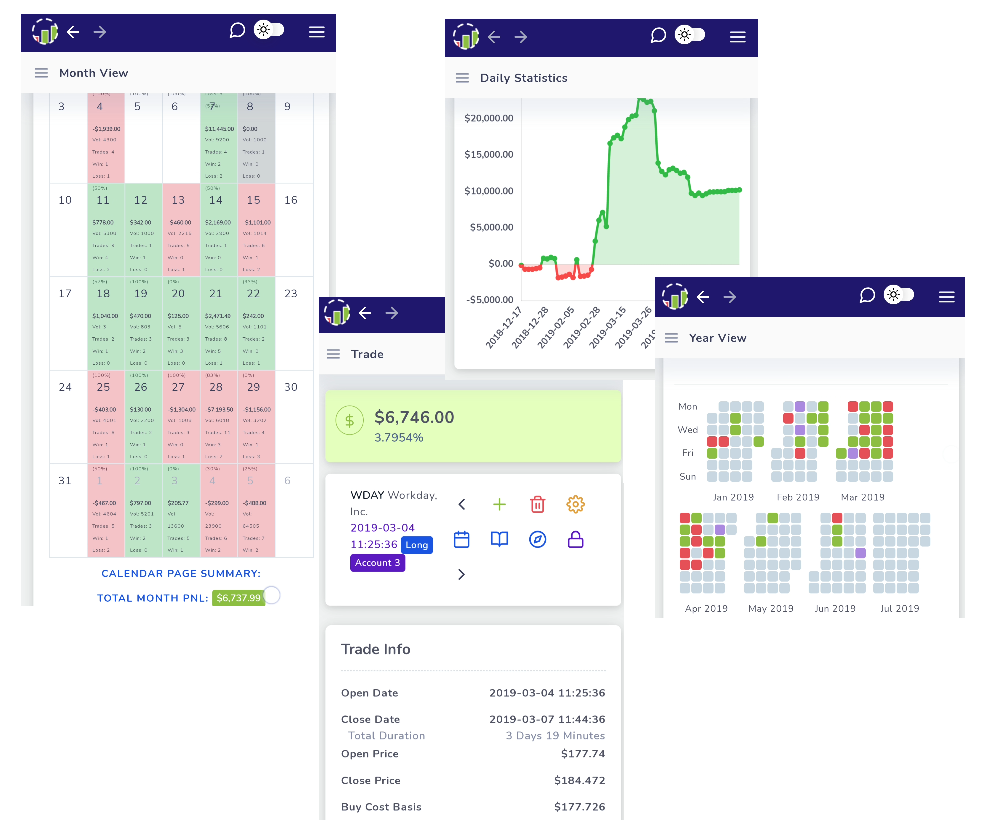
Want to use TradesViz on your mobile without your browser? Learn how here!

If you are having any import issues, chances are that this blog has answers to fix them. All common import issues and fixes are explained here.
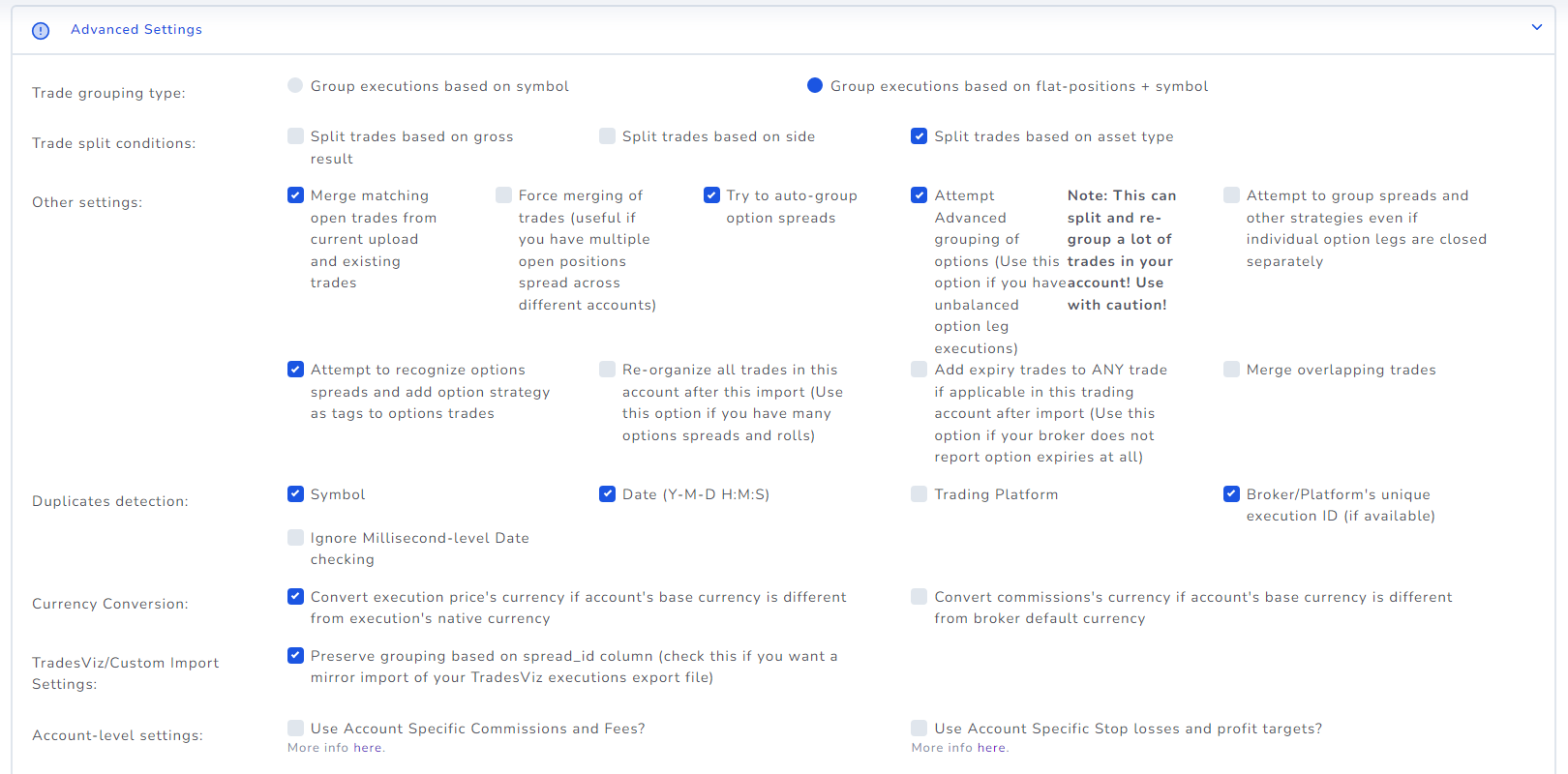
Wondering what import settings to use? Are you not satisfied with your trades grouping? Read this blog to know more on how to get the perfect grouping on every single import!
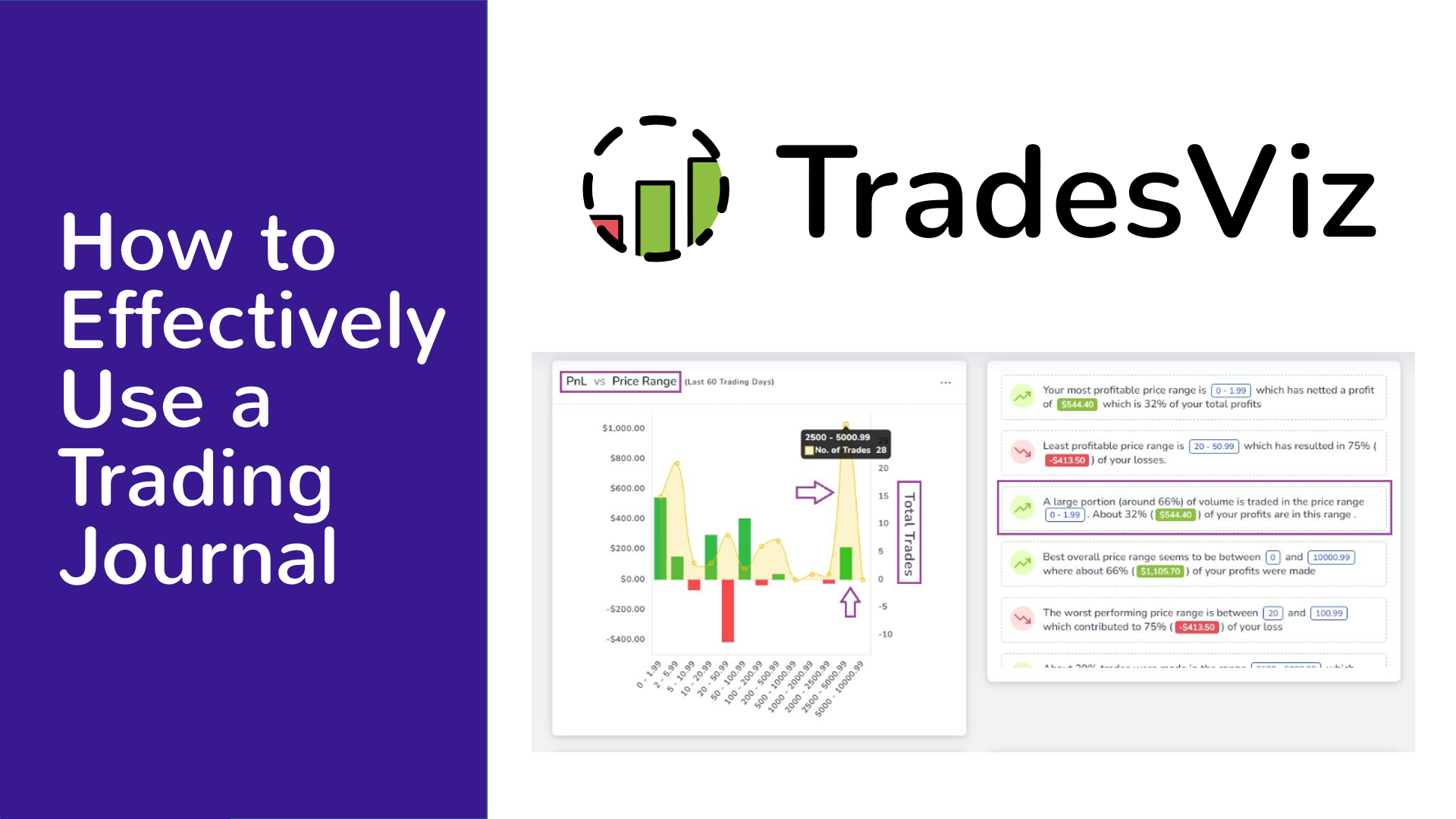
Are you wondering if you need a journal? or are you having trouble with using one? This post is for you. All you need to spend is just 10 mins per day on your journal and you will be on your way to becoming a better trader!
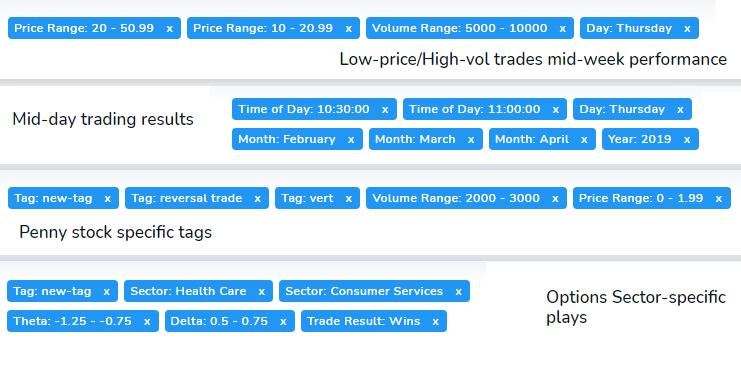
Build a trade report using conditions ranging from price, volume, ATR, win/loss, etc., and save it to access and view statistics of trades filtered by those conditions any time!
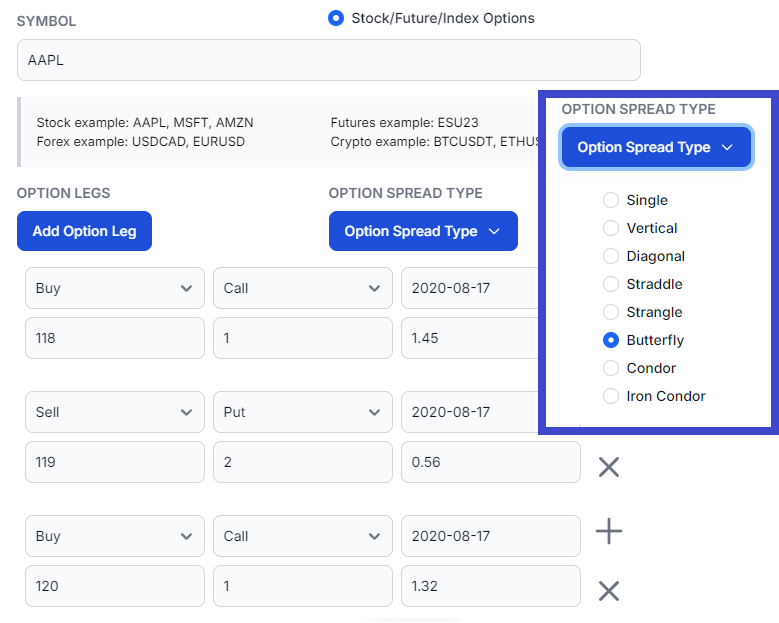
Learn how to input multi-leg option spreads - iron condors, butterfly - no more inputting manual executions! Add any no. of legs to your trade and easily edit them!
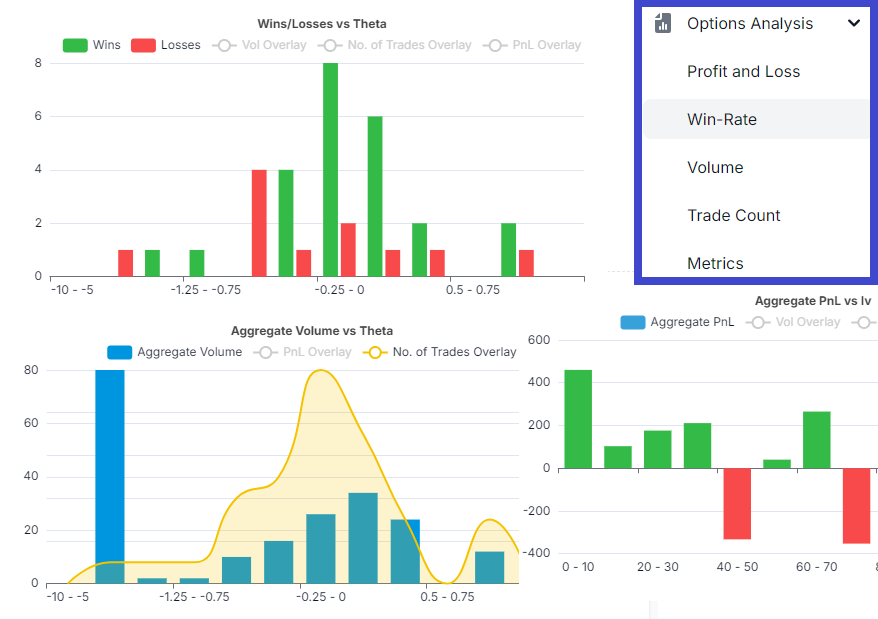
Not only can you analyze your stock trades in-depth with TradesViz, but you can now also analyze all your options trades with their greeks! Learn more about how to use these chart features and how they can benefit your options trading!