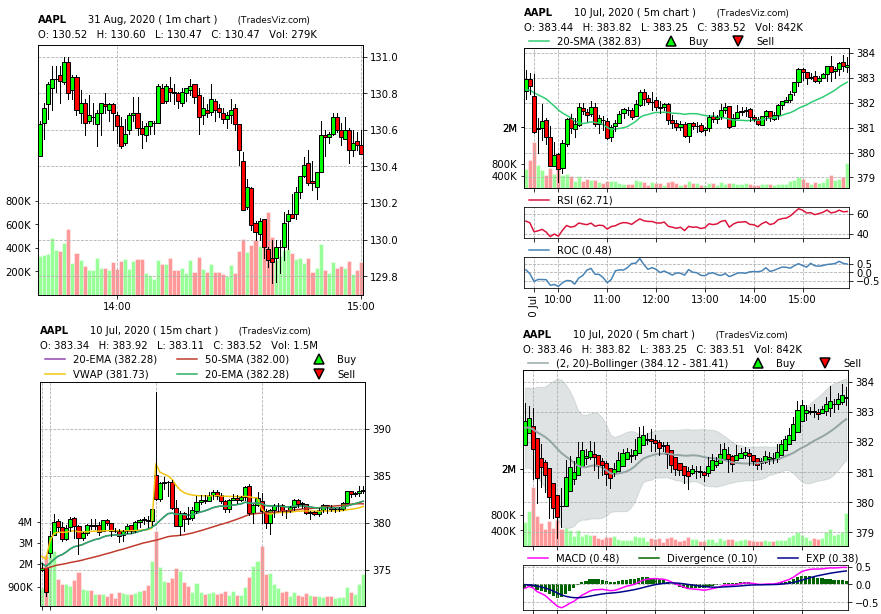
Multiple auto-generated charts
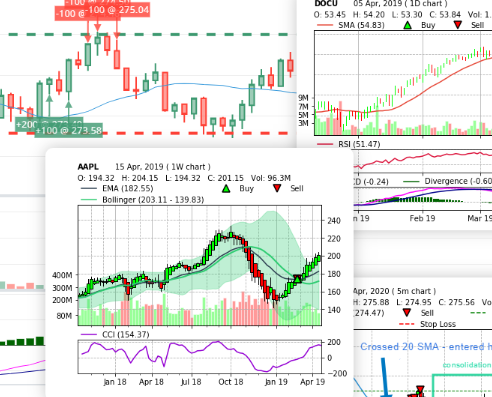
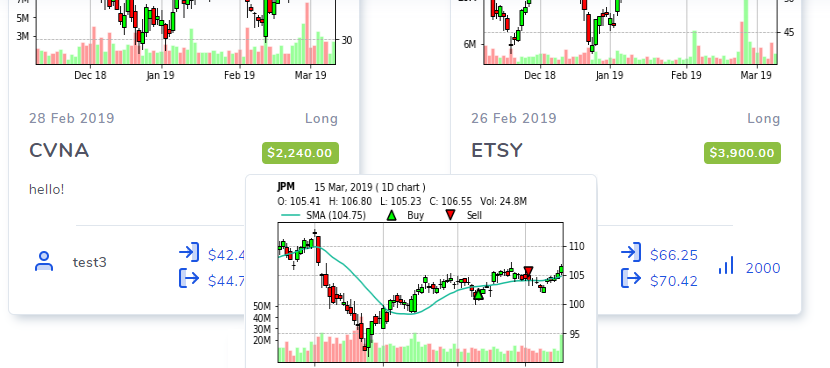
Learn how to set global default chart settings so that multiple charts according to your specifications are automatically generated for every trade imported from your broker's export files.
Guides, changelogs, deep dives and everything trade journaling.
Learn how to set global default chart settings so that multiple charts according to your specifications are automatically generated for every trade imported from your broker's export files.
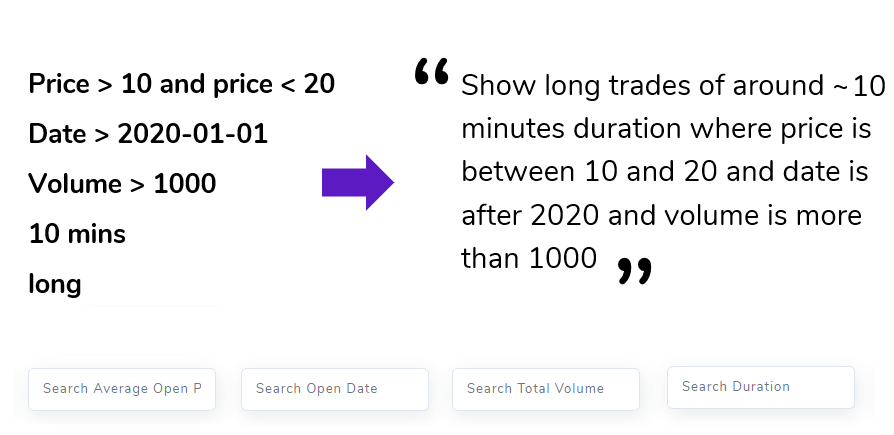
"Show all winning trades from 2018 where volume was more than 100 shares" "Show all SPY trades where the pnl is between 10 and 200 dollars and the trade lasted for a few minutes" Did you know you can query from the trades table to extract exactly what you want using the filter boxes under the tables? Learn more in this post!
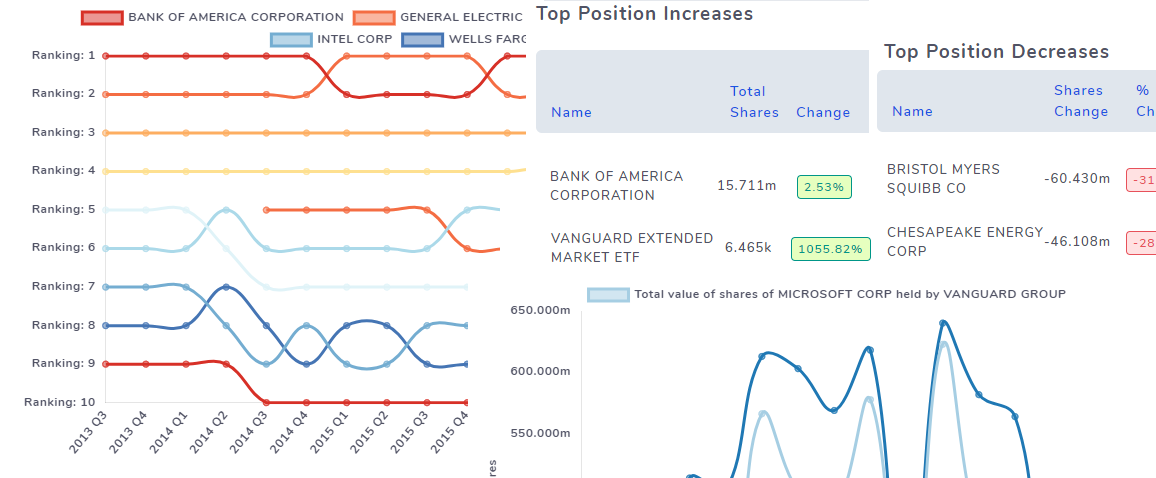
Another research feature on TradeViz: Visualize millions of SEC 13F filings of companies and stocks with charts, tables etc., Learn how and what the smart money is doing in the market!
Learn how to add notes, comments to shared user's trades and trading days!
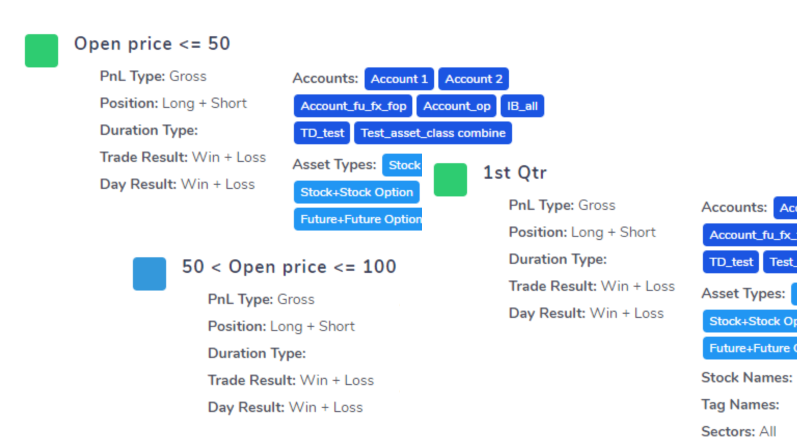
Group trades using 15+ filters and compare them against each other side-by-side using interactive charts to learn more about how your performance changes across different setups and trades!
The most feature-filled symbol chart generator on an online trade logging platform out there! Learn how to add indicators, modify indicator parameters, draw on charts, even copy charts, and play around with a FULLY interactive bar-chart with indicators plotted!
Learn how to share your trades and even trading publicly. If you are an educator or a student learning from another trader, you can also share your entire trading account with privately with other TradesViz account holders.
Learn how to manage your trading file imports and what are the different ways to export and download your own trades.