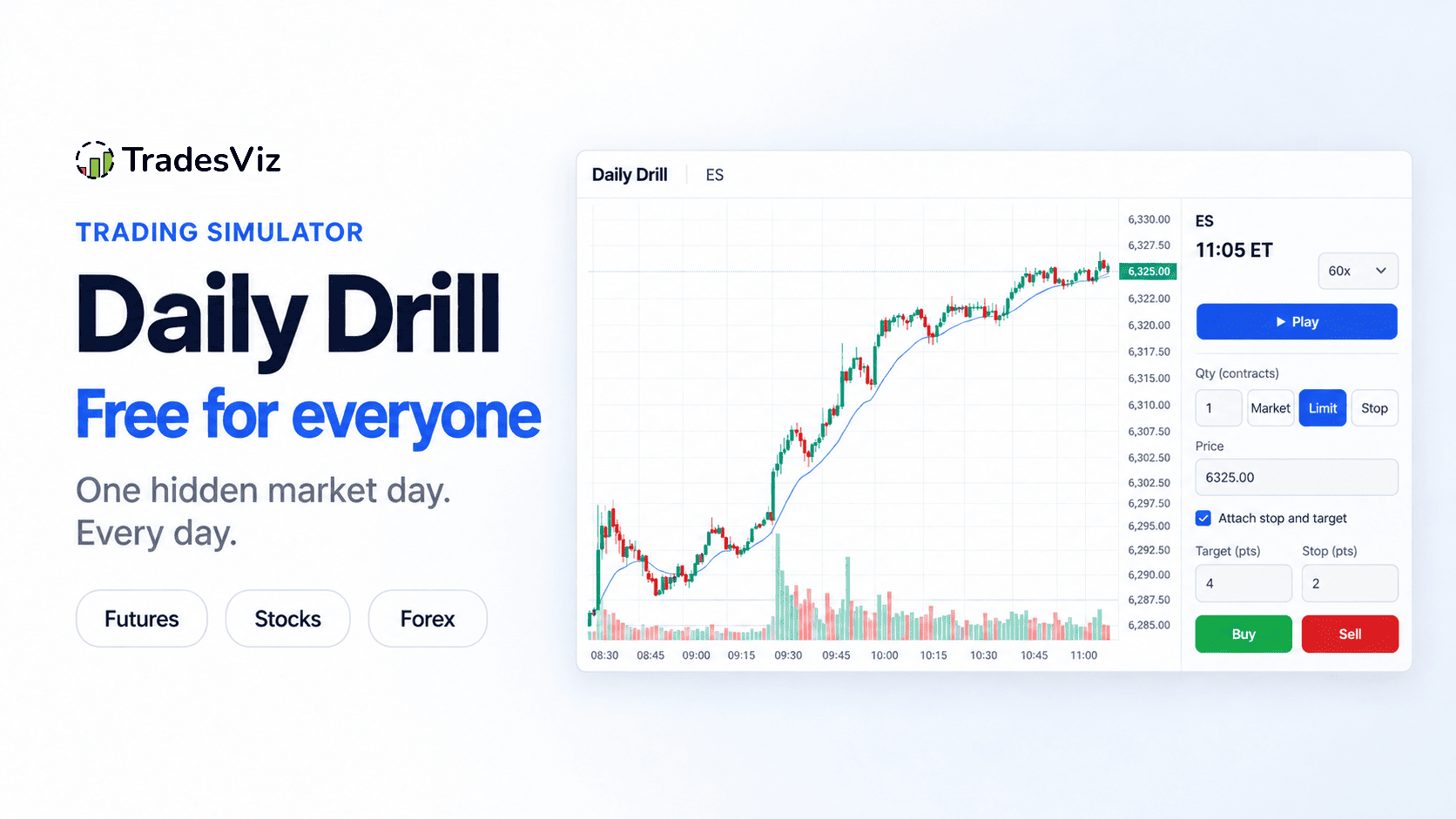
Today we are launching the Daily Drill, a free trading simulator on every TradesViz plan, including the free trading journal plan: one real market day, with the date hidden, for you to trade every day.
How it works
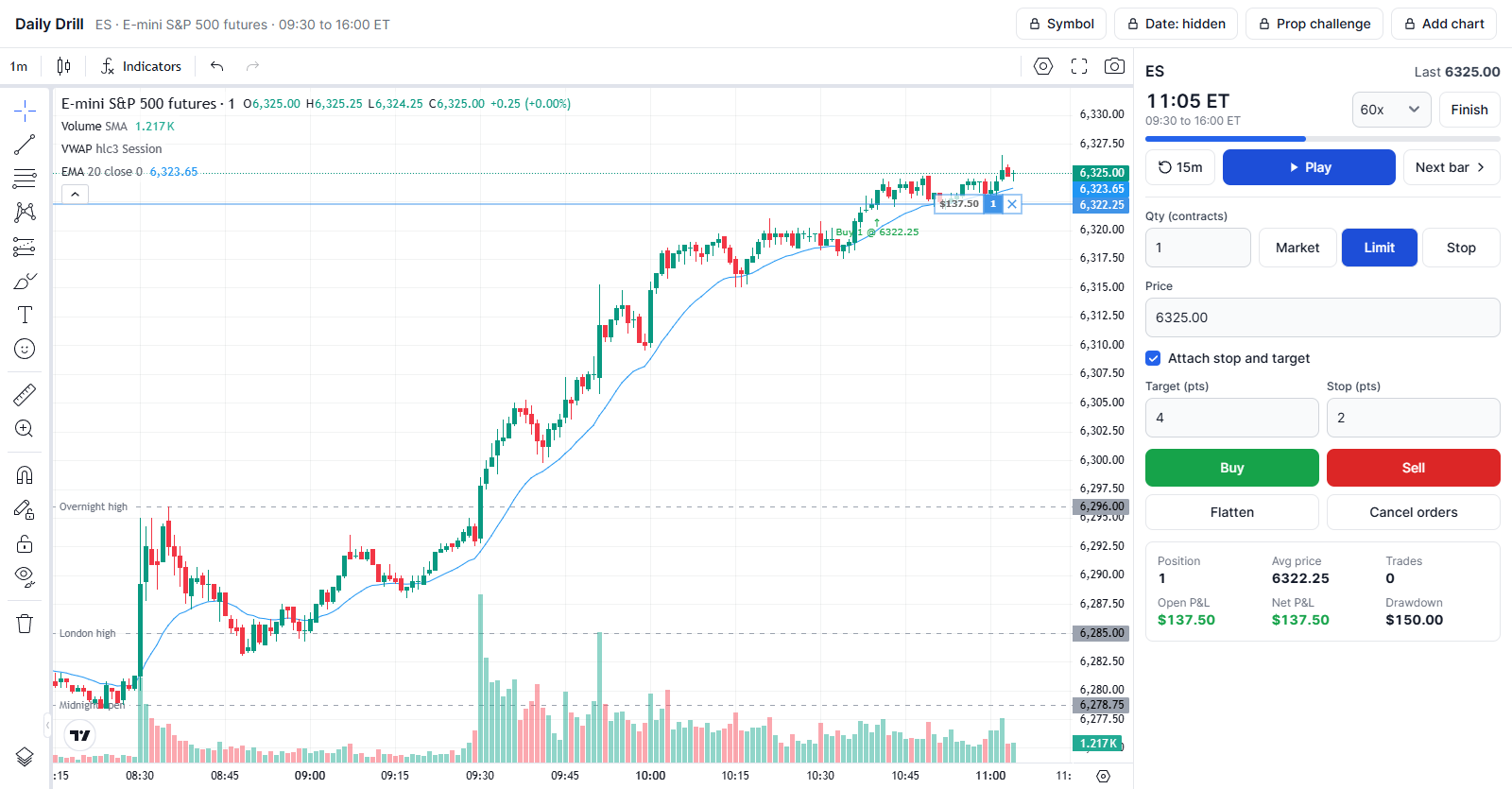
Every day at midnight US Eastern time, TradesViz picks three sessions: one for futures (E-mini S&P 500, ES), one for a US stock or ETF, and one for forex (EURUSD or gold, in the London or New York session). Everyone who picks the same market that day trades the same session.
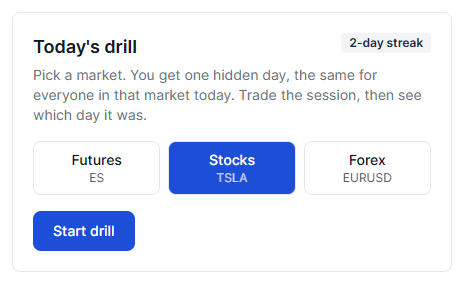
- Pick a market. The symbol is shown. The date is not. The chart has the five days before the drill day for context, labelled D-5 to D-1, with pre-open levels such as the overnight high and low marked.
- Trade the session. Replay it from 1x to 300x, step one bar at a time, or go back 15 minutes. Switch between 1, 5, 15 and 60 minute bars and add VWAP, EMA and volume. Place market, limit and stop orders, with an optional stop and target attached to the entry.
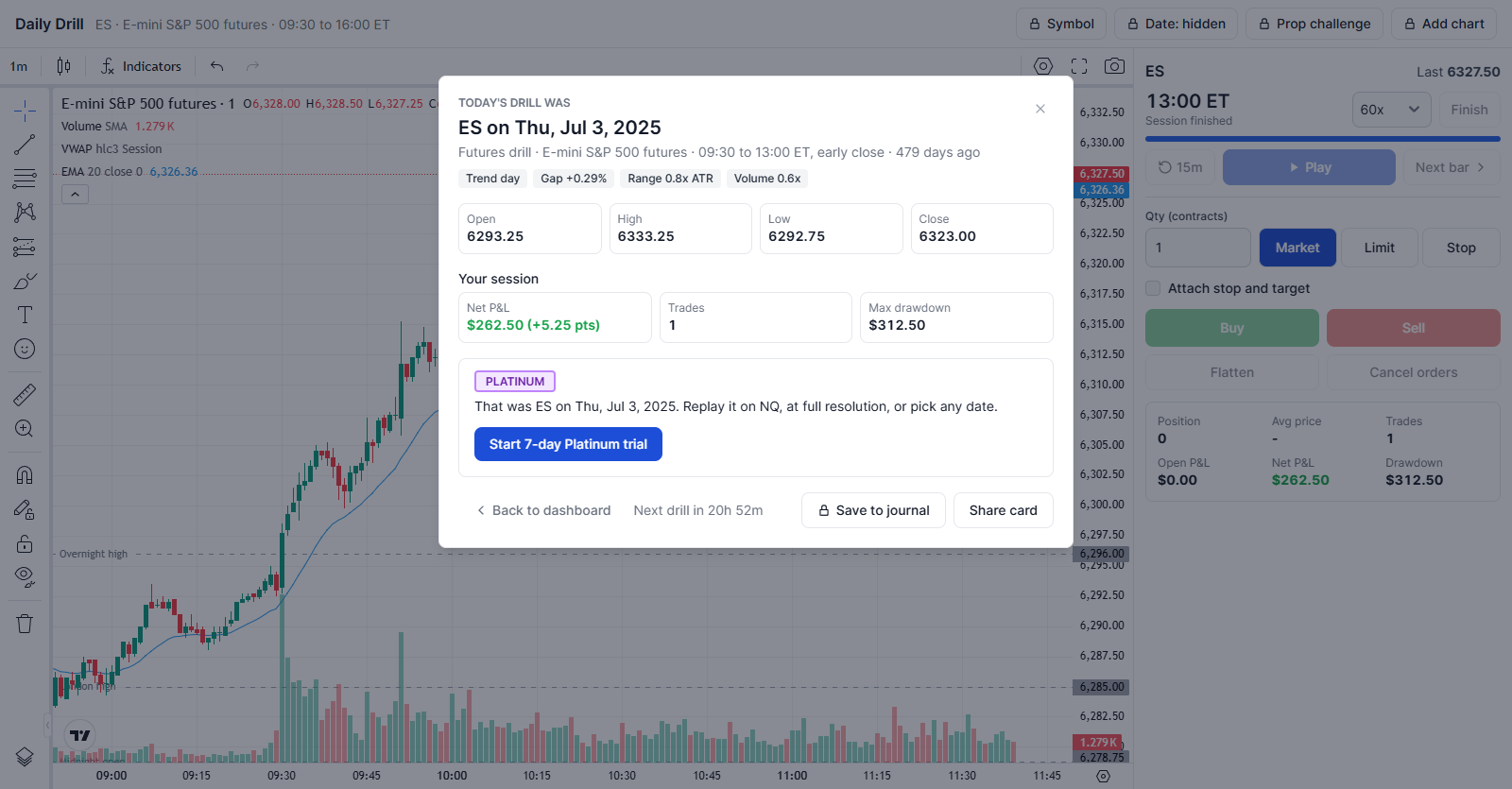
- See which day it was. Finish the session and you get your P&L, number of trades and maximum drawdown, then the real date, what kind of day it was (trend, range, gap or event day such as CPI, FOMC or earnings) and how it moved.
Why the date is hidden
When you replay a day you remember, you trade the memory: you already know the gap filled, or that the afternoon sold off. With the date hidden, you only have what is on the chart, which is how every live session feels. The reveal at the end tells you what you were actually trading, so you can see whether you read a CPI morning or a holiday-thin half day for what it was.
Days come from the last two years and are at least 30 days old, with a monthly mix of trend, range, gap and event days, so you do not get the same kind of session every time.
Your result is checked
When you finish, the server replays every fill against the same bars it sent you and keeps its own result, so the P&L and drawdown on the reveal are the real outcome of the trades you took. The countdown to the next drill and your streak run on server time.
Shortcuts
- Space: play or pause
- B / S: buy or sell with the current ticket
- F: flatten
- N: next bar
Streaks and yesterday's drills
Play once a day to build a streak; it shows on the drill page and on your dashboard. The free trading simulator page also shows yesterday's three drills revealed: the symbol, the real date, the day type and how it moved, so you can check the day you played against the other markets.
The free trading simulator vs the full Platinum simulator
The Daily Drill is free on every plan, and it is deliberately focused: one hidden day, one symbol per market, and VWAP, EMA and volume on the chart. When one hidden day a day is not enough, the full TradesViz trading simulator on Platinum replays any symbol on any date, including the day you just drilled. Here is the full simulator page:
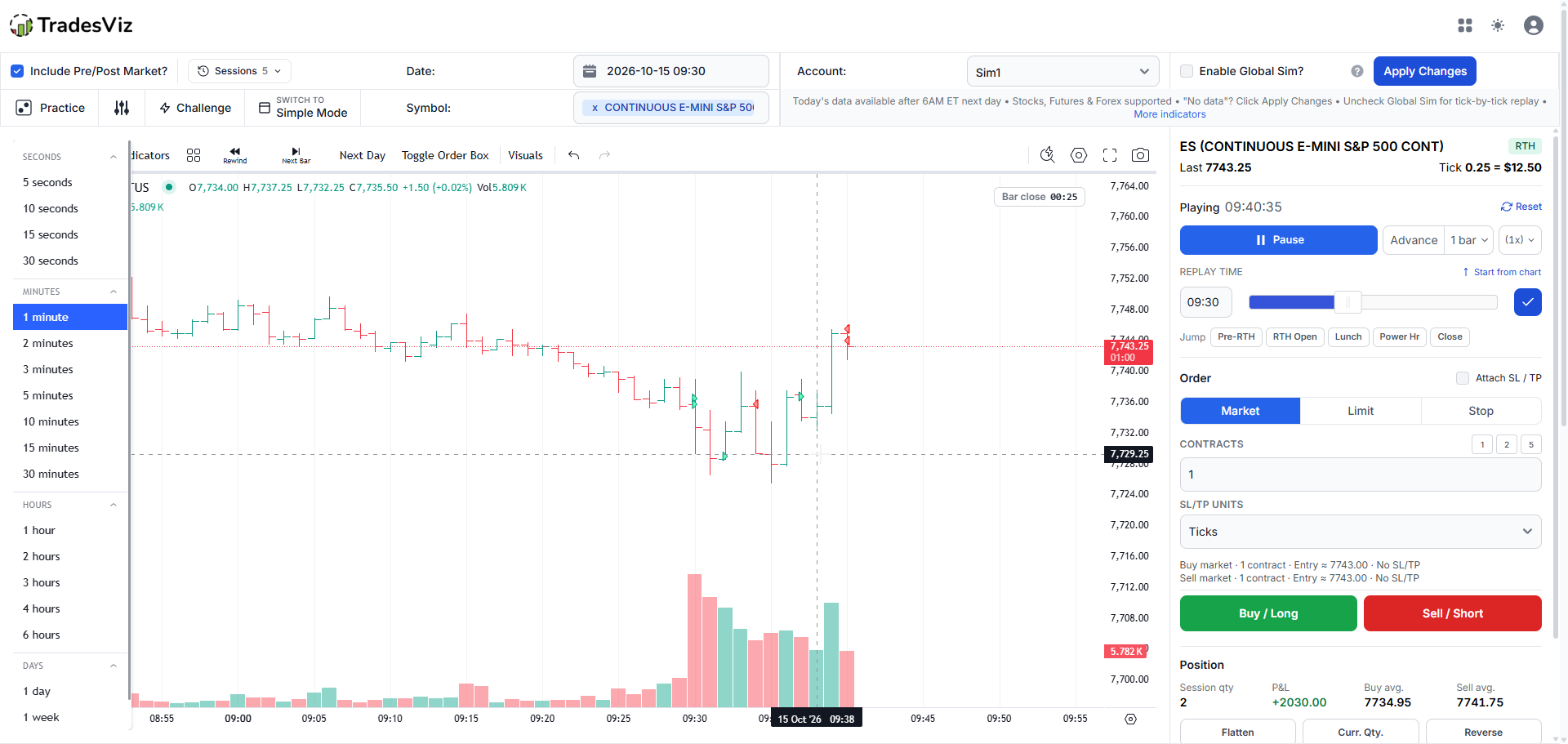
And in action, replaying an ES session:
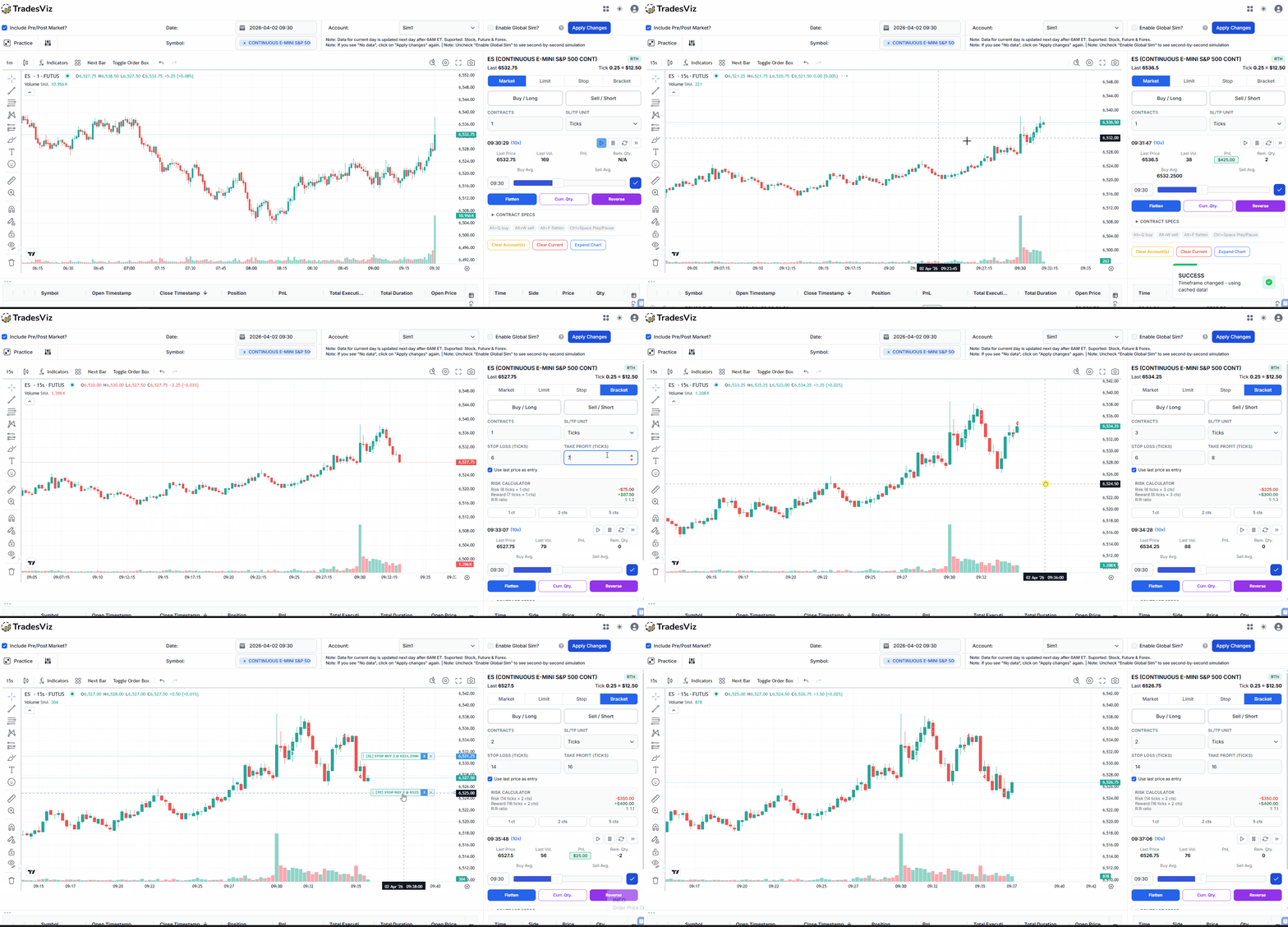
Any symbol, any date
- US stocks, futures and forex on any date, from 5-second to 1-hour bars, at up to 100x speed
- The Daily Drill reveal links straight to the day you just played, so you can trade it again in full
- Universal simulator: 40,000+ global stocks plus cryptocurrencies, forex pairs and indices
- Multi-chart simulator: up to 4 symbols, each on its own timeframe, in one synchronized session
- Options chain simulator for US stocks and indices
- Trade replay of your own journaled trades on the original price action
Indicators
- 70+ built-in TradingView indicators, including moving averages, RSI, MACD, Bollinger Bands and VWAP
- The TradesViz Indicator Library of Pine Script indicators, in the simulator's Indicators menu under Custom Indicators
- Your own custom Pine Script indicators: paste a compatible script once and use it on every TradesViz chart
Orders and risk
- Market, limit, stop and bracket orders from the order panel or by right-clicking the chart, with stops and targets you drag on the chart
- An order panel that adapts to the asset: contracts, ticks and contract specs for futures, sizing by risk for stocks, lot size, leverage and pips for forex, with a built-in risk calculator
- Brackets in price, points, ticks or % of account, and keyboard shortcuts to buy, sell, flatten, reverse and play or pause
Practice tools
- Challenge mode with prop firm daily loss and drawdown rules
- Jump to a session (pre-market, RTH open, lunch, power hour, close), start from any point on the chart, or move on to the next day
- Simple mode for a clean, fast layout, and autosaved sessions you can resume after a reload
- Every simulated trade saved to your trading journal with the same analytics as your live trades, and Daily Drill sessions saved to a journal account with one click
Platinum comes with a 7-day free trial. The trading simulator guide walks through every feature.
Try today's drill on the free trading simulator page, and tell us what you think at [email protected].