AI Trading Journal Insights: Proactive AI Coach For Your Trades
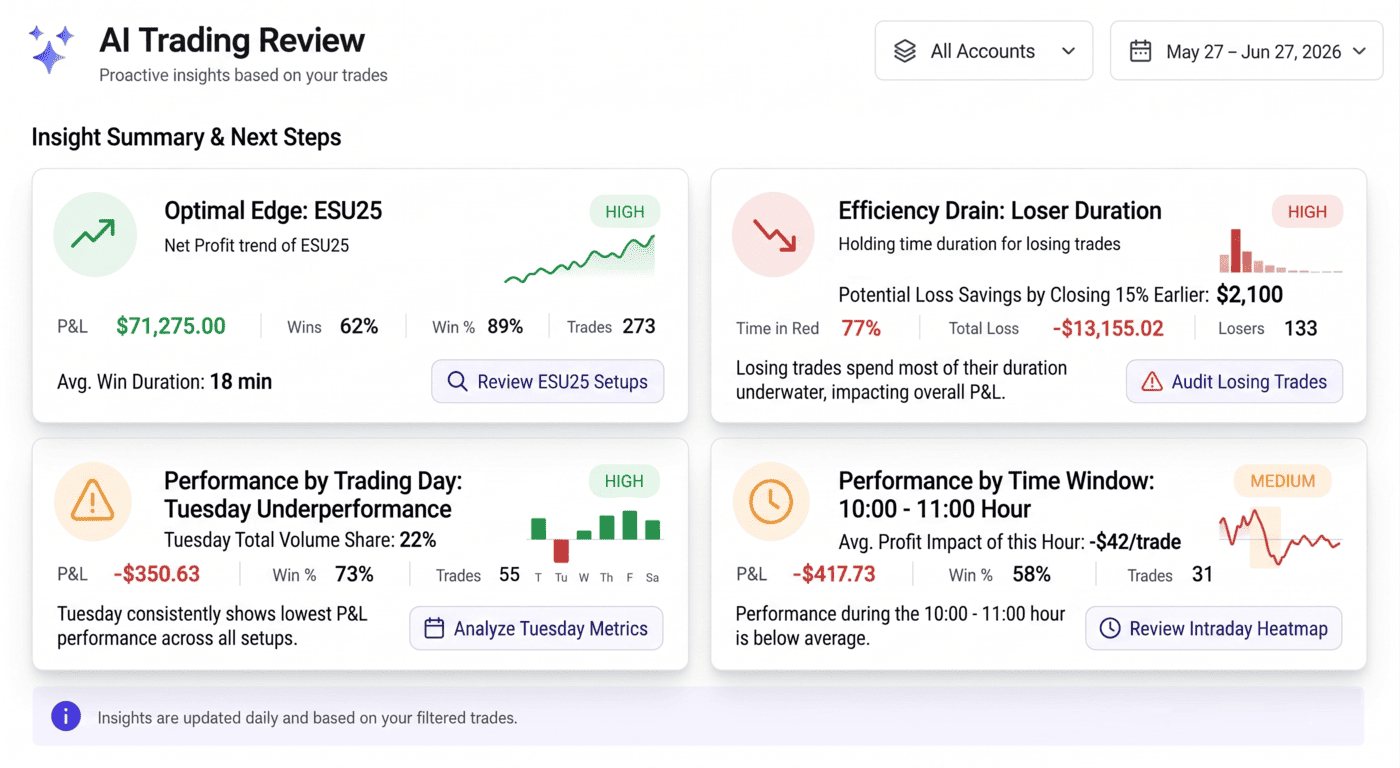
Proactive AI trading journal insights: TradesViz AI Coach runs sixteen statistical checks on your trades and shows the highest-impact leaks to fix next.
Guides, changelogs, deep dives and everything trade journaling.
Proactive AI trading journal insights: TradesViz AI Coach runs sixteen statistical checks on your trades and shows the highest-impact leaks to fix next.
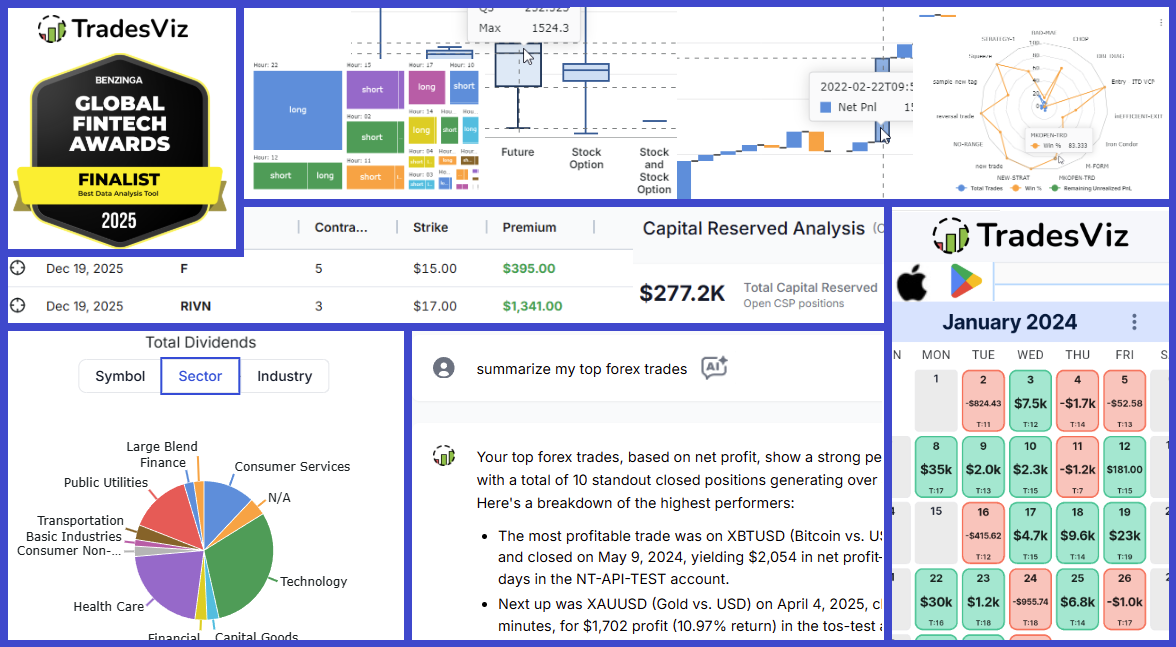
H2 2025 brought massive upgrades: The launch of the Options Command Center, AI Trade Chat, and a completely rebuilt Mobile App v2. Read the full recap of our Benzinga FinTech Award nomination, running PnL for spreads, and six months of rapid innovation.
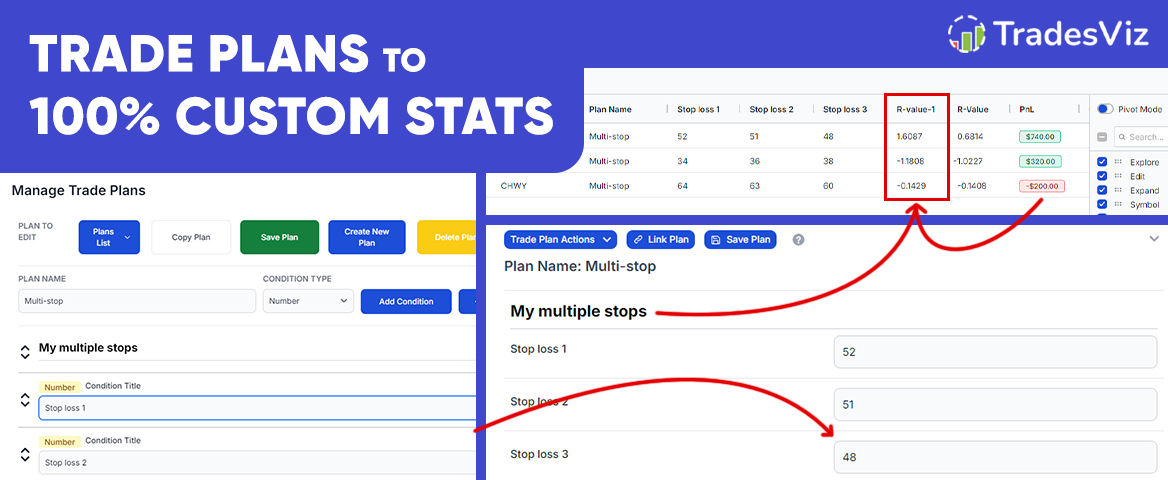
Learn how to generate custom stats, and use those custom stats to calculate and create calculated custom stats - the first time in an online trading journal! All of this is possible within TradesViz with pivot grids' new improvements related to custom columns and trade plans!
Another 7 months of non-stop updates, refinements, and one-of-a-kind features. Goals tracking, risk simulator, new auto-sync features, and a lot more are among the changes in this changelog! Our focus is 100% on providing you with the highest value possible. Read on to learn more about our updates and upcoming features!
Revisiting the original chart trades view feature introduced in 2022, updated with many features and enhancements over time. This still remains the fastest way to review your trades with charts in any online trading journal.
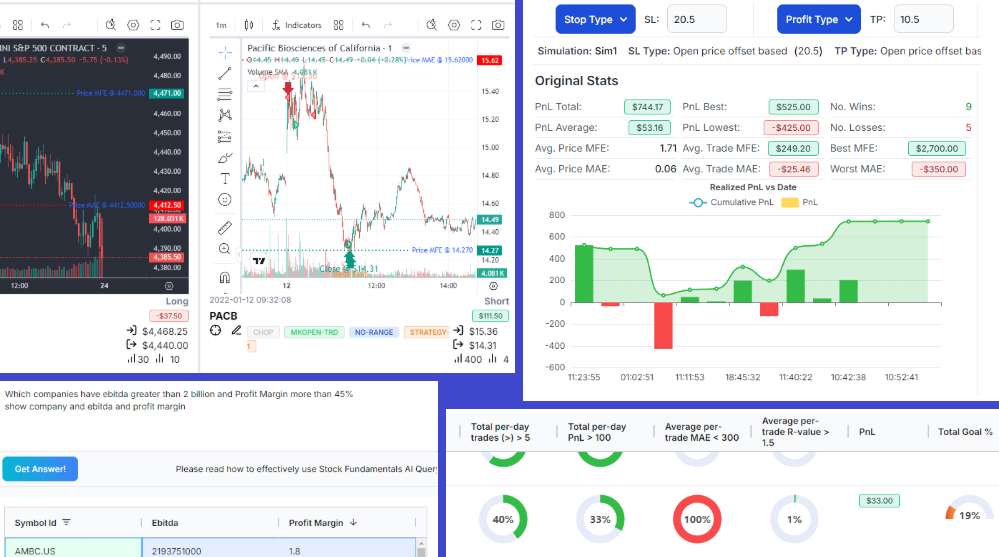
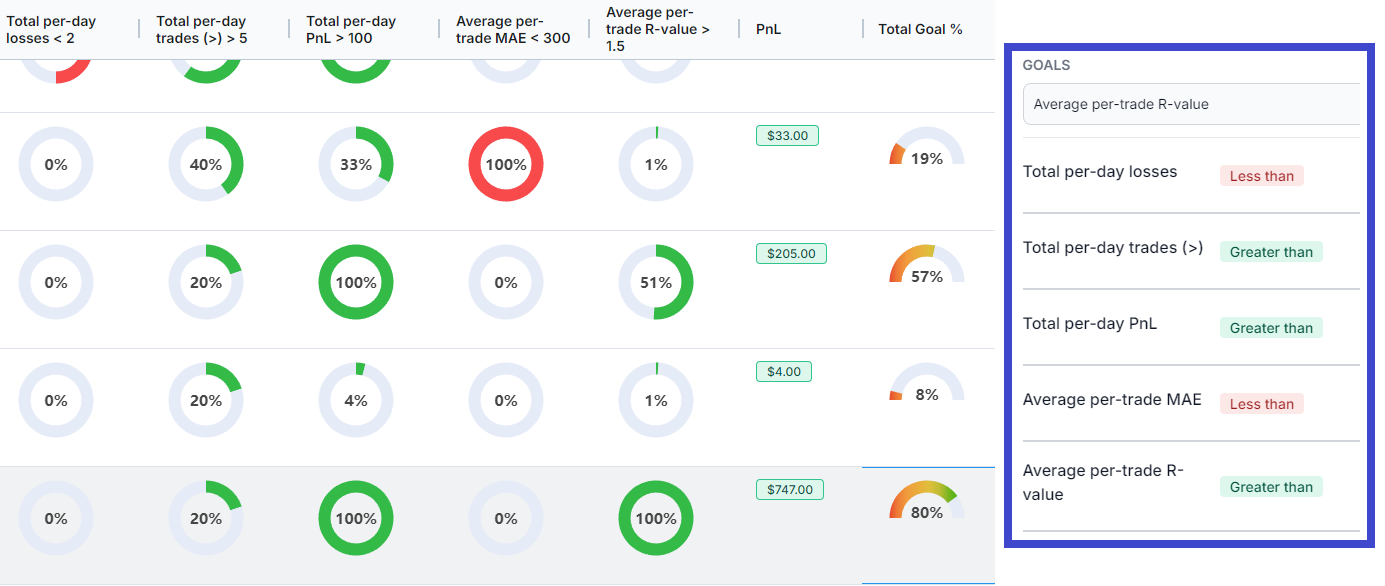
Do you want yet another reason to journal? Track your performance daily not using numbers but visually using gauges - for the parameters you set. Custom automated goals tracking for the first time in any online trading journal.
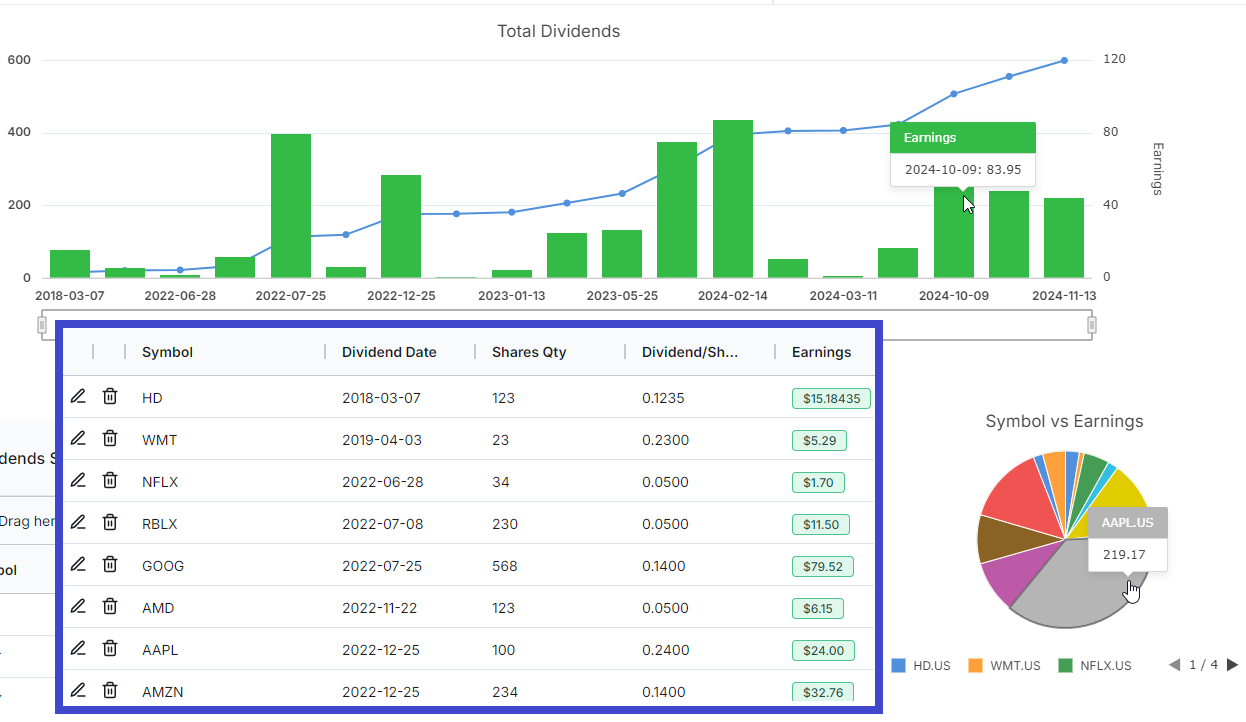
Another huge addition for traders of TradesViz! You can now easily add and/or build import dividends and track them seamlessly on TradesViz journaling itself!
The complete guide to tags in TradesViz trading journal. You will learn how to manage tags, organize them and analyze with tags in your trading journal with this guide. Now updated with TradesViz v2.0 features and a summary of more features that use tags!
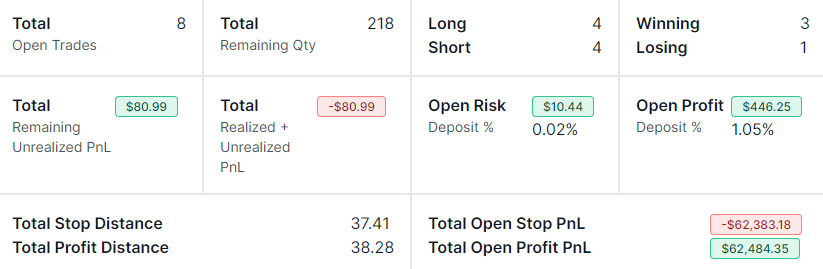
A tab dedicated to viewing only open trades/positions and a summary of them!
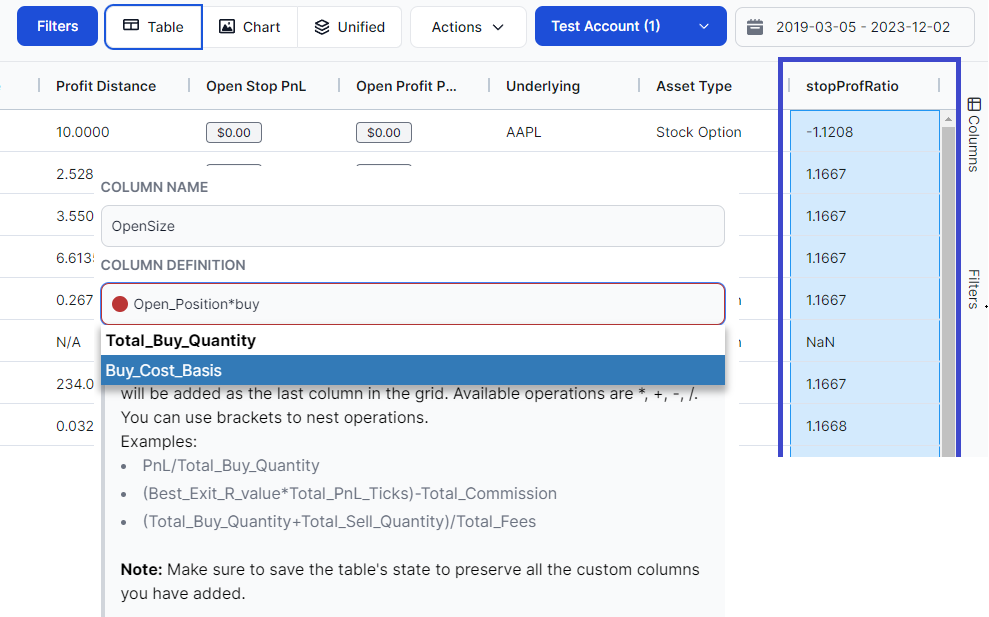
You can now create custom columns on the TradesViz trades table - another addition to the most customizable and the most versatile trading journal table in the world!
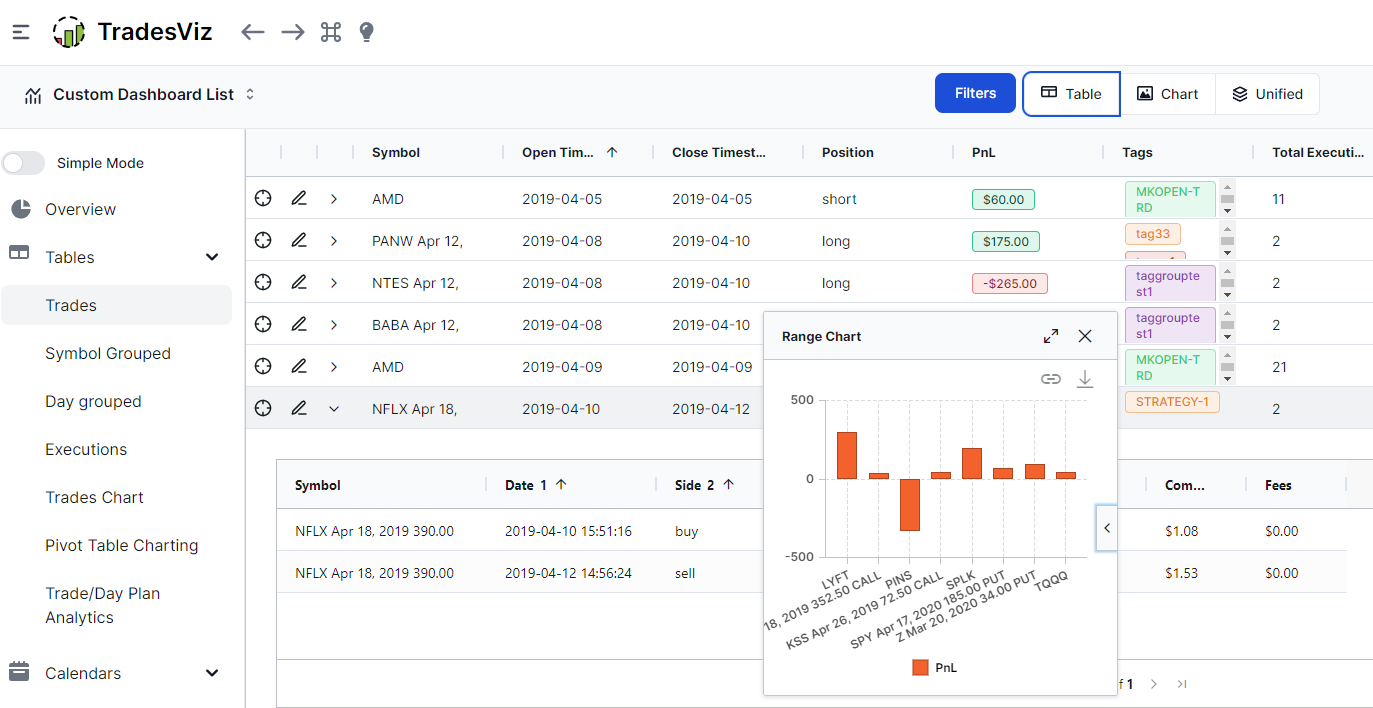
With the introduction of TradesViz v2.0, we have completely changed all the tables of the main dashboard to be based on advanced and flexible grids. Read on to learn more about the new features and just how much better this is compared to any other tabular journaling solutions out there.
Introducing TradesViz v2.0. The entire dashboard is completely redesigned with state-of-the-art charts and tables to make journaling smooth and seamless for users of all experience levels and on all devices!