Canada's Premier Trading Journal for TSX & US Markets
Track TSX and US trades with AI-powered analytics, multi-currency tracking, and comprehensive data export.
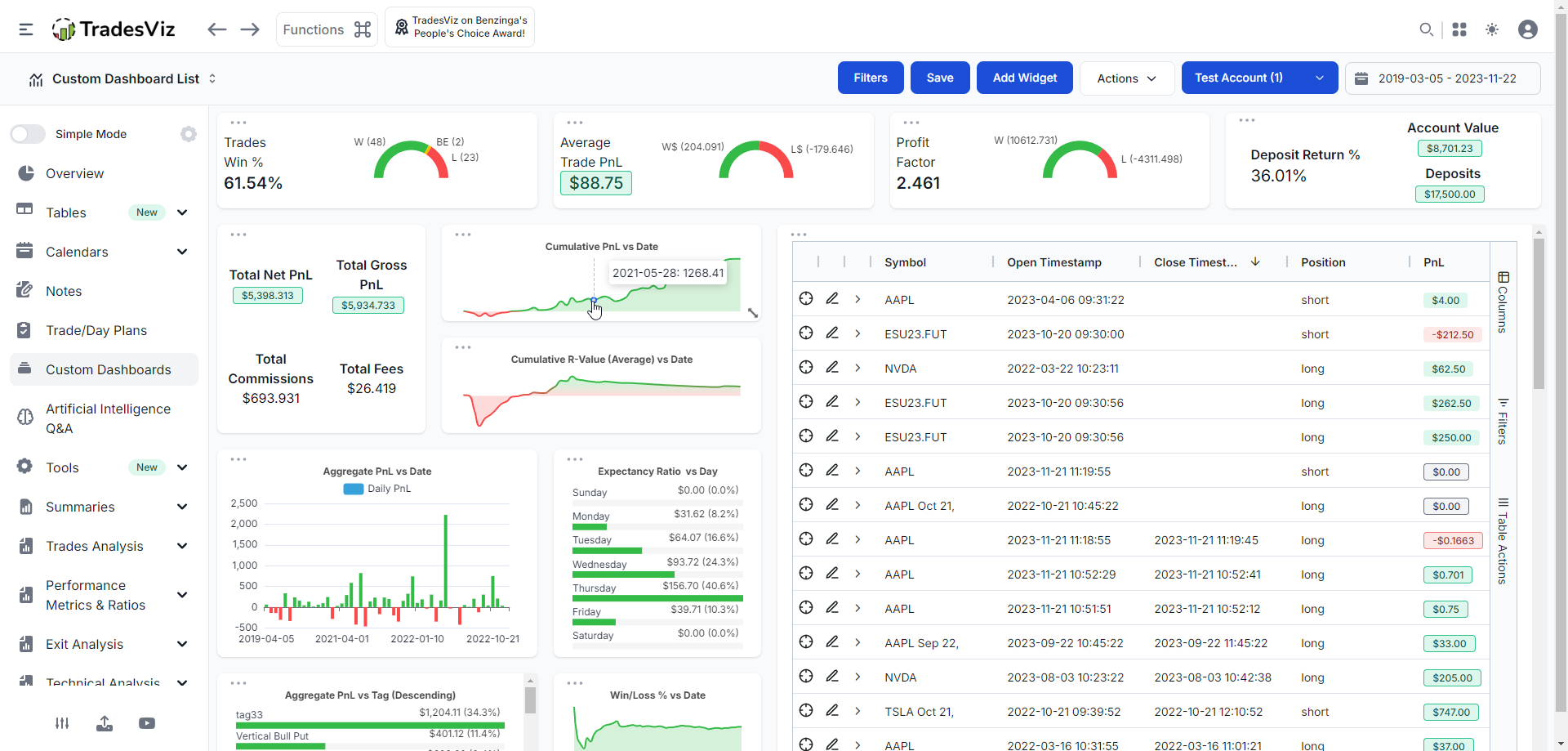
TradesViz is the go-to trading journal for Canadian traders, supporting all major Canadian brokers including Questrade, Wealthsimple Trade, Interactive Brokers, and the big bank platforms.
Trade both TSX and US markets? TradesViz handles multi-currency tracking automatically. Track by account type (TFSA, RRSP, non-registered) to understand performance across your portfolio.
AI-powered Q&A lets you ask any question about your trading data and instantly get custom charts and insights. Build unlimited custom reports tailored to your trading style.
Supported Canada Brokers
Import trades from all major Canada brokers with one-click or auto-sync
Built for Canada Traders
Features designed specifically for TSX and Canada market traders
AI Q&A Analytics
Ask any question about your trades in plain English. Get instant custom charts, tables, and insights powered by AI.
Custom Dashboard Widgets
Turn any AI query into a dashboard widget. Build 100% personalized analytics unique to your trading style.
CAD/USD Tracking
Multi-currency support with automatic forex gain/loss calculation for US market trades.
TFSA/RRSP Account Tracking
Tag trades by account type to track performance across TFSA, RRSP, and non-registered accounts.
Pivot Grid Analytics
Powerful pivot tables to slice and analyze your trades by any dimension: symbol, strategy, day of week, time, and more.
Detailed Data Export
Export every execution with full details — prices, quantities, timestamps, fees, P&L, and more in CSV/Excel format.
Frequently Asked Questions
Common questions about trading journals for Canada traders
How does AI Q&A work in TradesViz?
Simply type any question about your trading data in plain English-like 'What's my win rate on TSX stocks?' or 'Show me my monthly P&L trend' and get instant charts and insights. You can even add these as permanent widgets to your dashboard.
Can I track both CAD and USD trades?
Absolutely. TradesViz fully supports multi-currency trading. Your USD trades are tracked with automatic currency conversion, and we track forex gains/losses separately.
How does TradesViz handle TFSA/RRSP tracking?
TradesViz lets you tag trades by account type (TFSA, RRSP, non-registered). This helps you understand performance by account and analyze your portfolio across different account types.
What Canadian brokers are supported?
TradesViz supports all major Canadian brokers including Questrade (with auto-sync), Wealthsimple Trade, TD Direct Investing, RBC Direct Investing, Interactive Brokers, and all big bank platforms.
What is Pivot Grid Analytics?
Pivot Grid lets you slice and dice your trading data by any dimension symbol, strategy, day of week, time of day, account, and more. It's like having a powerful spreadsheet built specifically for trading analysis.
Start Journaling Your TSX Trades Today
Join thousands of Canada traders using TradesViz to track, analyze, and improve their trading performance.