In this post, we will explore how to pair your TradesViz account with Delta Exchange.
Once you select your trading account and broker as "Delta Exchange" in the trade auto-import page, a popup box will appear when you click on the "Connect account" button.
Delta Exchange supports futures (perpetual & dated), options (calls & puts), and spot trading. When connecting your account, you can choose which transaction types to import using the checkboxes in the connection dialog. Futures transactions are imported by default.
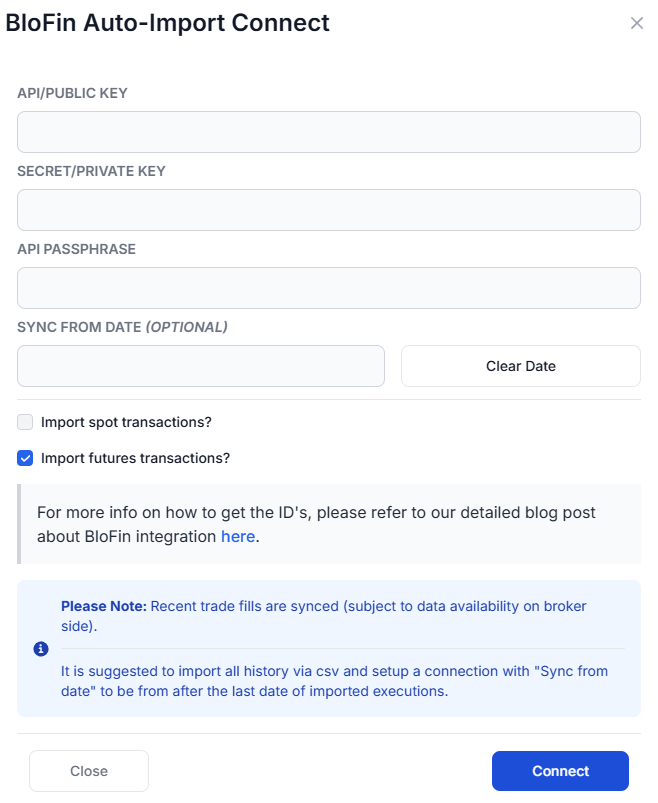
The purpose of this blog post is to guide you to get API credentials from the Delta Exchange website. Here are the steps you need to follow:
- Log into your Delta Exchange account at https://www.delta.exchange
- Navigate to the API management page at https://www.delta.exchange/app/account/manageapikeys
- Click on "Create API Key"
- Enter a label for your API key
- Under "Permissions", enable "Trading" permission. This is required by Delta Exchange to access your fill/trade history (see docs.delta.exchange/#api-key-permissions). Note that enabling Trading permission requires you to whitelist IP addresses — you can add TradesViz server IPs or leave the whitelist open if Delta Exchange allows it.
- After creating the key, you will see your API Key and API Secret. Make sure to copy and save them as the Secret will only be shown once.
- Enter the API Key and API Secret in the TradesViz connection page and click "Connect"
- Select which transaction types you want to import:
- Futures transactions – checked by default (includes perpetual futures, dated futures, and options)
- Spot transactions – check this if you also trade spot on Delta Exchange
Important notes:
- API keys created on the Delta Exchange production site (www.delta.exchange/) work with the production API.
- API keys created on the Delta Exchange Demo/Testnet site (demo.delta.exchange/) work only with the testnet API. If you are using a demo account, make sure to check the "Demo account" option in the connection dialog.
- Do NOT use API keys from api.delta.exchange (Delta Global) – only keys from delta.exchange (Delta India) are supported.
That's it! TradesViz will automatically sync your Delta Exchange futures, options, and/or spot trades based on your selection. You will be able to see all your cryptocurrency trades with full analytics, charts, and journaling features.
Please let us know if you have any questions or concerns about the Delta Exchange auto-sync integration by sending us an email at [email protected].