Video Guides
Walkthroughs and guides about all important TradesViz features are listed below. We also suggest checking our usage FAQs and blog posts for more information on how to effectively use the features of TradesViz. If you have any questions, please let us know by using the contact form or by sending us an email directly to [email protected].
New Videos
Watch all 33 on YouTube Compare Trading Accounts with Account Statistics | TradesViz Tutorial
 How to Add a Note in TradesViz | Trading Journal Tutorial
 Set Up Advanced Commission Profiles in TradesViz | Tutorial
 How to Use Chart Explore in TradesViz | Drill down into your trades
 How to Add a Custom Dashboard Widget in TradesViz
 Bulk Edit Trades with Group Apply in TradesViz
 How to Use the TradesViz Real-Time Stock Screener
 How to Merge Trades in TradesViz | Quick Tutorial
 How to Use the Multi-Chart Trading Simulator in TradesViz
 TradesViz Notes Overview: Organize Your Trading Journal
 How to Use the TradesViz Options Chain Simulator | Options trading practice
 Track Prop Firm Rules with TradesViz Compliance Dashboard
 How to Filter Trades by Tags in TradesViz
 Create Trade & Day Plans in TradesViz | Checklist Tutorial
 TradesViz Trade Explore: Review Any Trade in Detail
 How to Use the TradesViz Trading Simulator | Stocks, Futures, Forex
 Add Custom TradingView Template in TradesViz | Technical Analysis
 Test Stop-Loss & Profit-Target Rules in TradesViz
 TradesViz Trade Table Types Explained
 How to Delete a Trade from the TradesViz Table
 TradesViz Trade View Modes: Table, Charts, Unified & Drawdown
 Track Dividends in TradesViz | Dividend Tracker Tutorial
 TradesViz Functions Menu Explained | Shortcuts & Tools
 Filter Your Entire TradesViz Dashboard | Global Filters
 How to Add a Trade Manually in TradesViz | Quick Tutorial
 How to Close Trades Manually in TradesViz | Add an Exit
 How to Review a Trading Day with Day Explore | TradesViz
 Replay Your Trades Step by Step in TradesViz
 Track Open Positions with Open Trades Summary | TradesViz
 TradesViz Overview Dashboard Tour | Changing Overview types
 Sort, Filter and Analyze Trades in TradesViz Tables
 Simulate Global Markets with TradesViz Universal Simulator
 Plot All Your Trades on One Chart in TradesViz | Trades Chart
 How to Sync trades from TradingView to your TradesViz trading journal
More Guides
Watch on YouTube Dashboard Overview
 Trade Management
 Group Apply
 Trade Explore Tab
 Day Explore Tab
 Equity Curve & Account Balance
 Calendar Tab
 Custom Dashboard & AI Widgets
 Trades Table
 Filters & Toggles
 Trade/Day Plans & Analysis
 Artificial Intelligence Q&A and Custom Widgets
 How to setup Interactive Brokers (IBKR) Flex Query for Auto-sync
Other Videos Show 29 videos
 Dashboard Walkthrough
 Trade Explore Walkthrough
 Stock chart features
 Trades tables features
 Strategy comparison
 Chart explore features
 How to Auto import trades
 How to Auto sync trades from Interactive Brokers
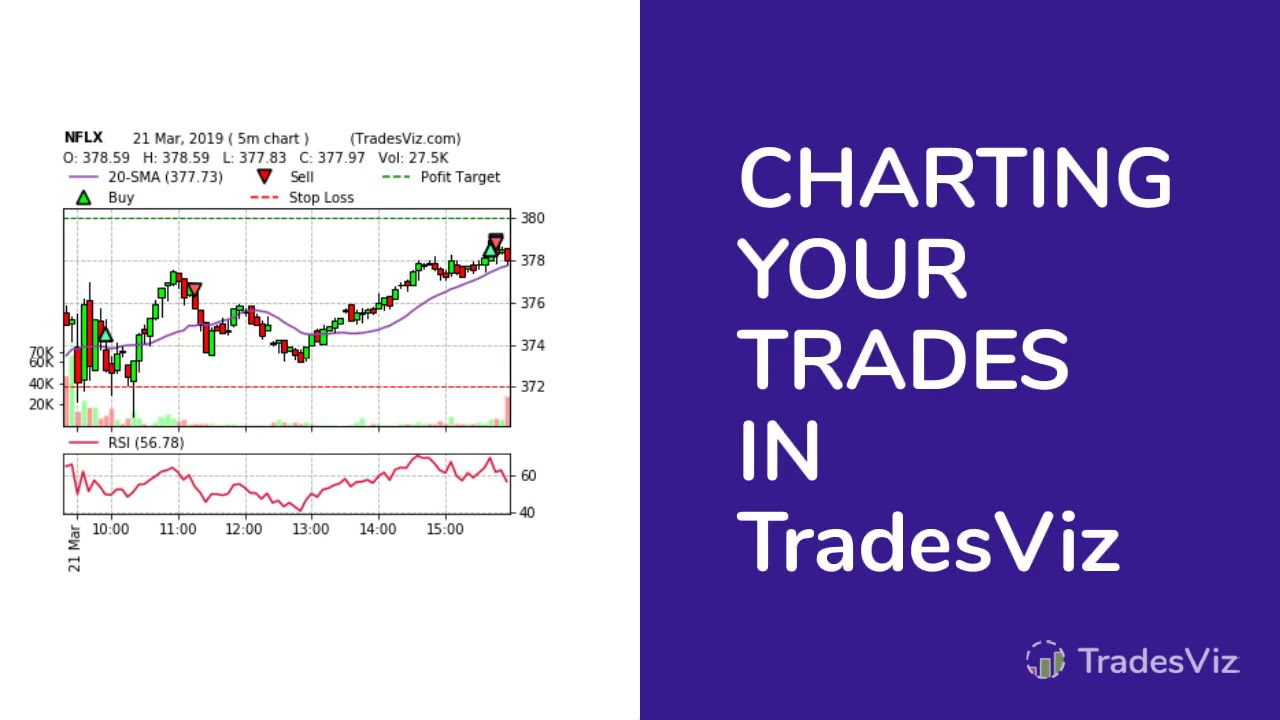 Charting in TradesViz
 How to analyze trades
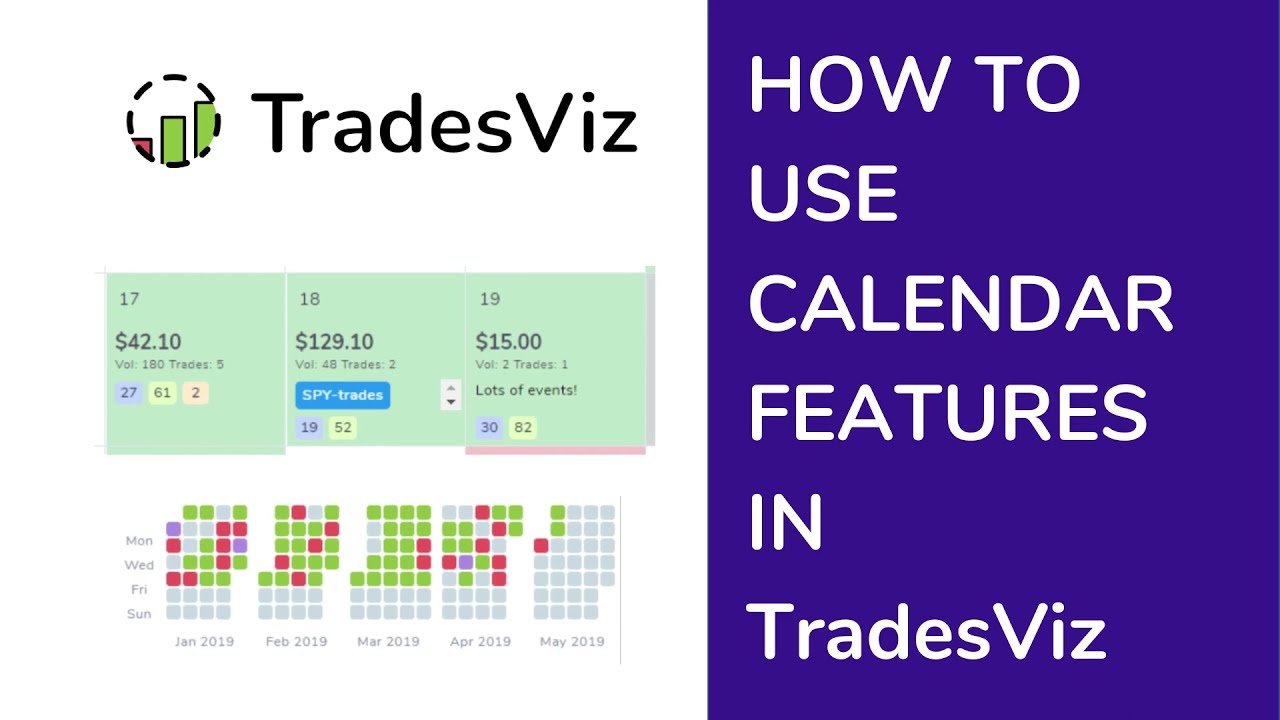 How to use calendar features
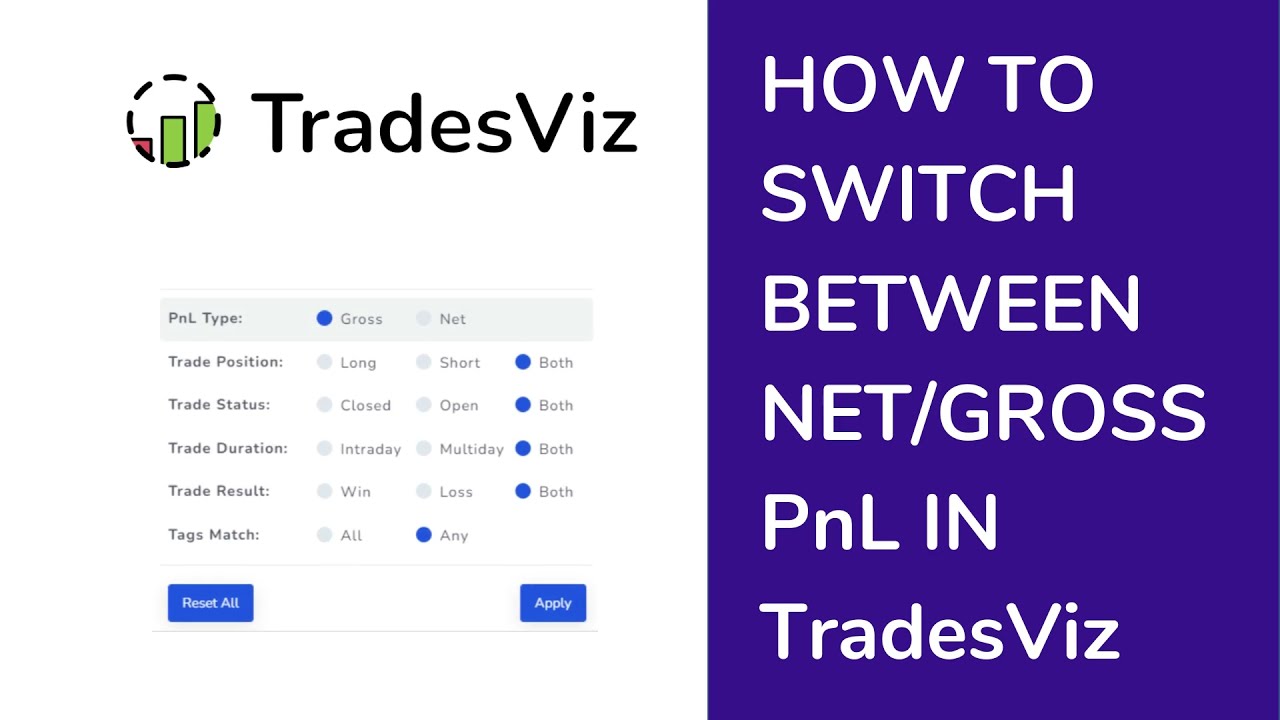 How to switch between net and gross PnL
 How to edit and draw on trade charts and images
 How to add notes,tags & images to trades
 How to create a custom dashboard
 How to import trade files
 How to export trades from ThinkorSwim
 How to delete a trades import
 How to delete trades
 How to add and edit trades and executions
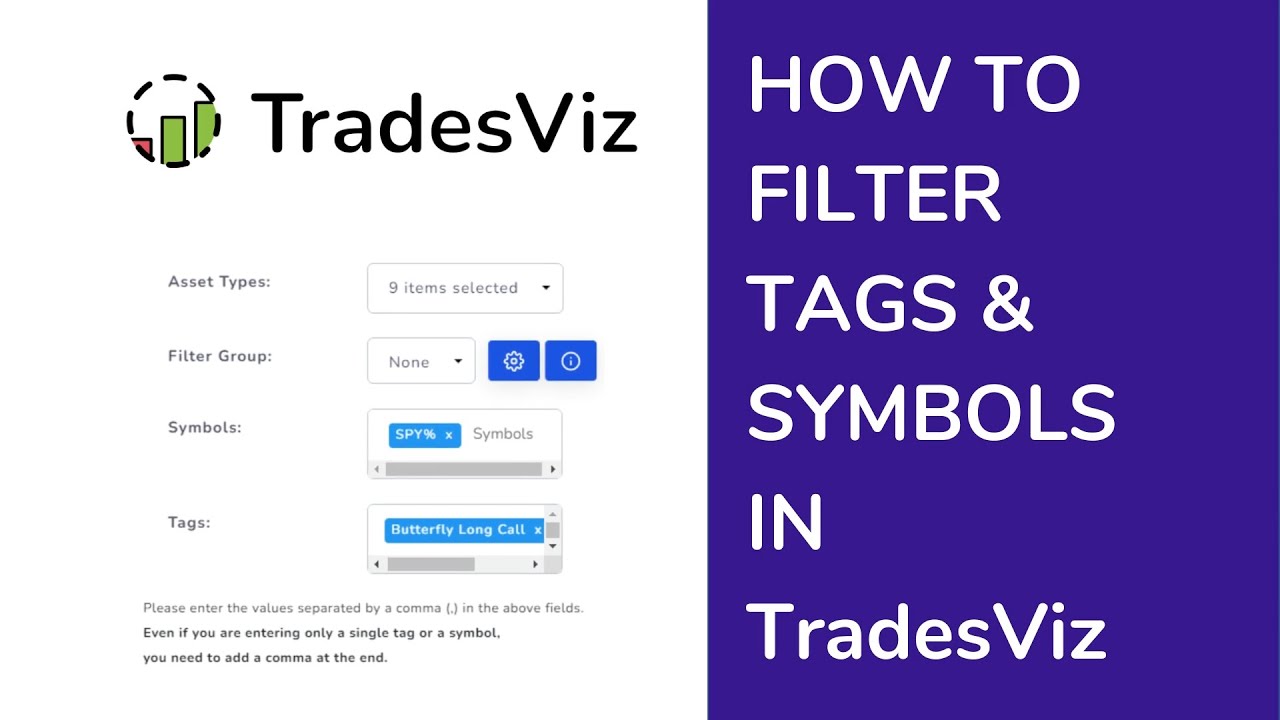 How to filter tags and symbols
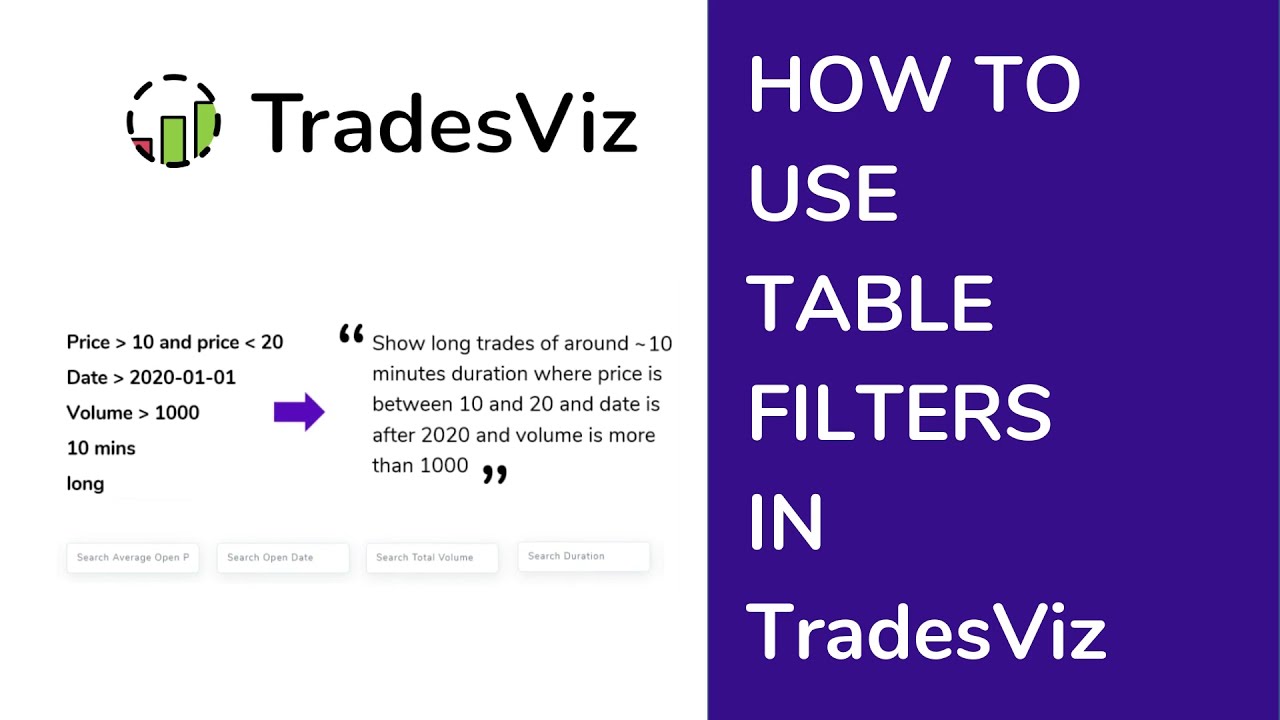 How to use table filters quickly filter trades TradesViz Trading Journal
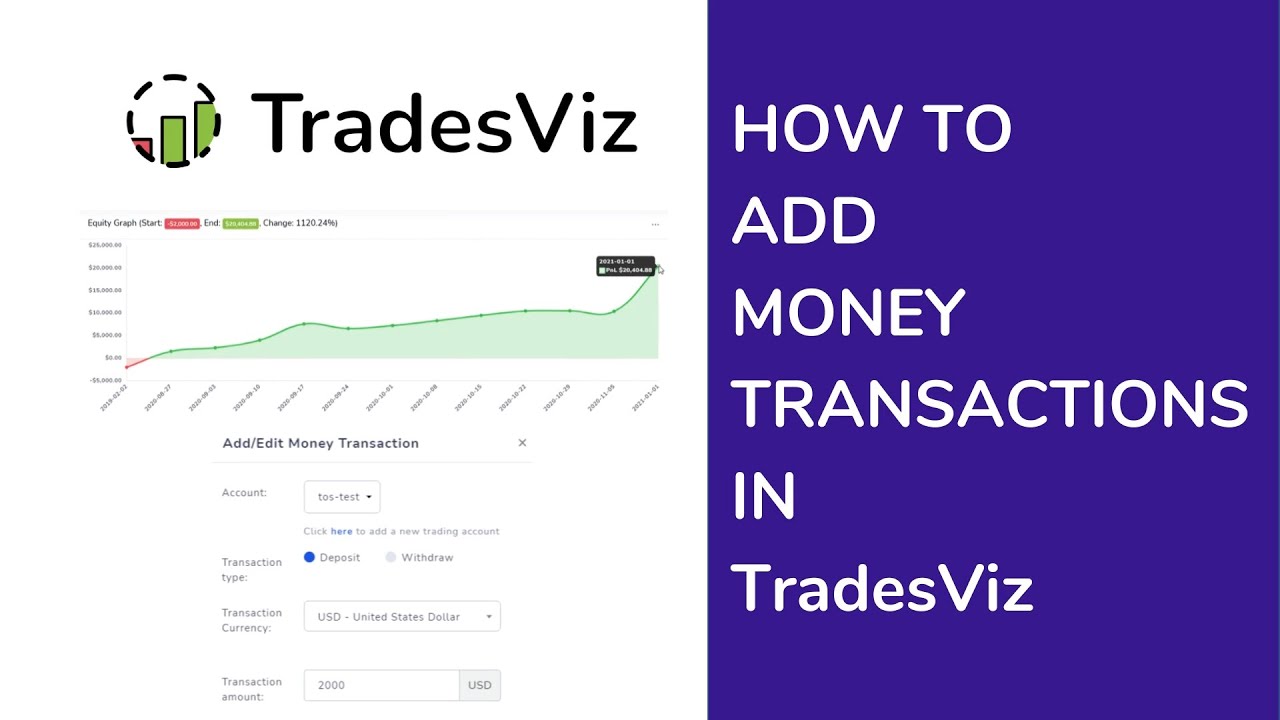 How to add initial account balance and money transactions
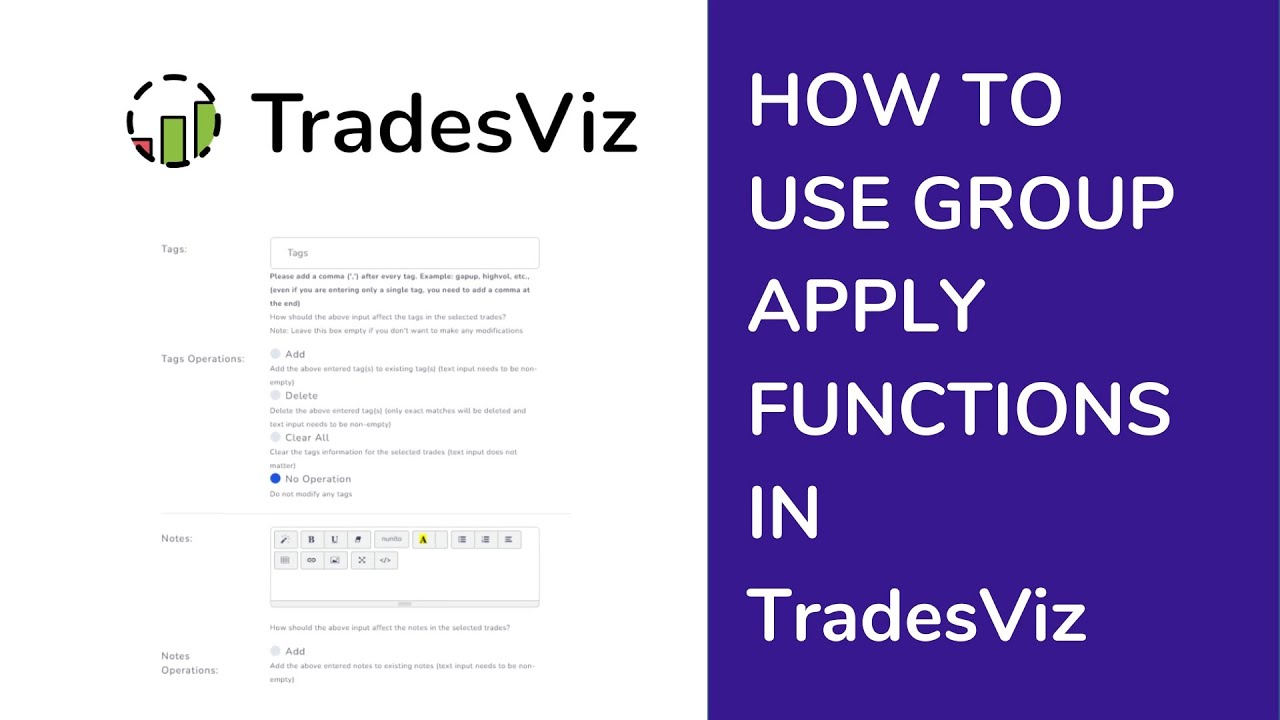 How to use group apply functions
 How to change account base currency
 How to share trades and trading days
 How use Stock, Futures and Forex trading simulator
 How use multi-symbol trading simulator
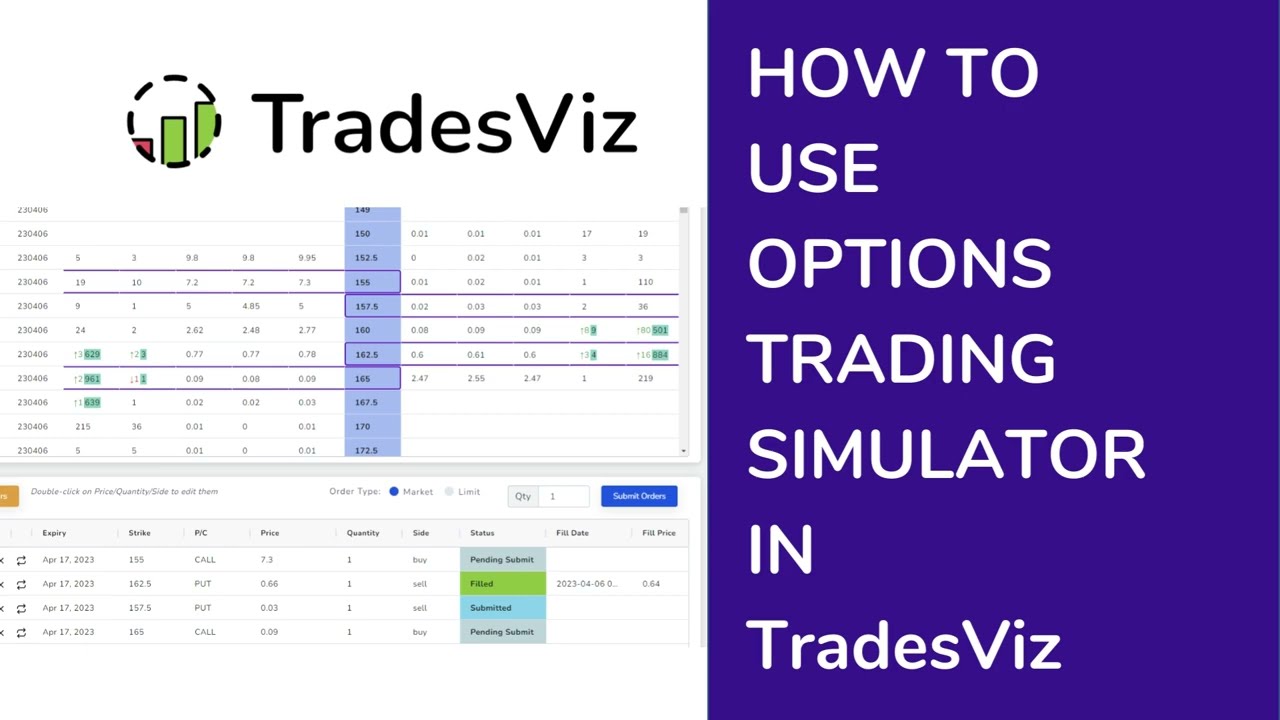 How use options trading simulator